Ask Doubts
- Ask Doubts will help students to communicate with the teacher to resolve queries. This feature will provide multiple options for students to select from the subject assigned to a particular class. Students will receive notifications regarding the open conversations.
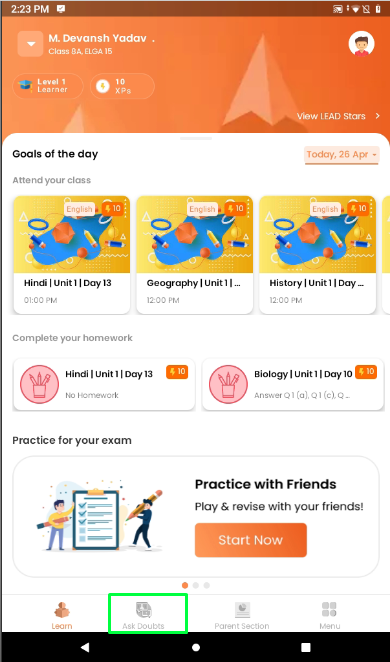
- Click on the Ask Doubts to ask a query.
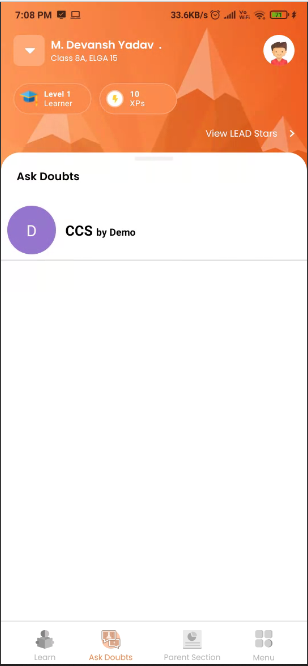
- Respective subjects will appear on the screen.
- Student will select the subject which he has a query for.
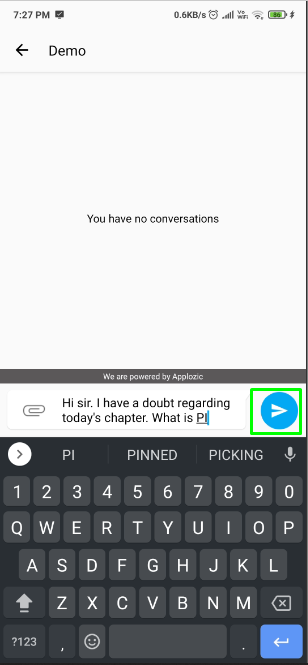
- Students will enter the query and click on the send button to forward the query to the teacher.
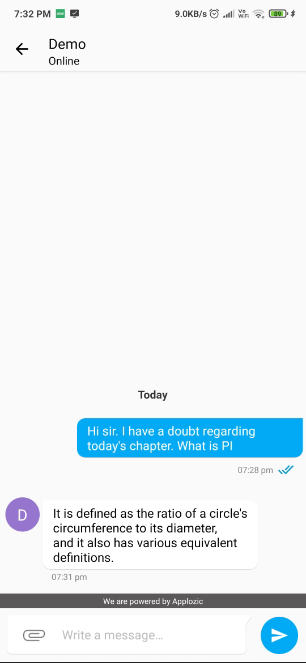
- The teacher's reply will appear on the same page on the opposite side of the query.
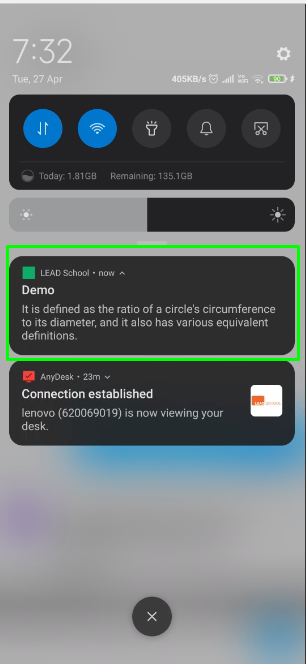
- Notifications regarding the conversations will appear on the notification bar if the student does not appear on the application.
- If you click on the notification it will reopen the applications chat feature.
- New message arrival can be seen on the chat screen.