Demo Users(For Admin)
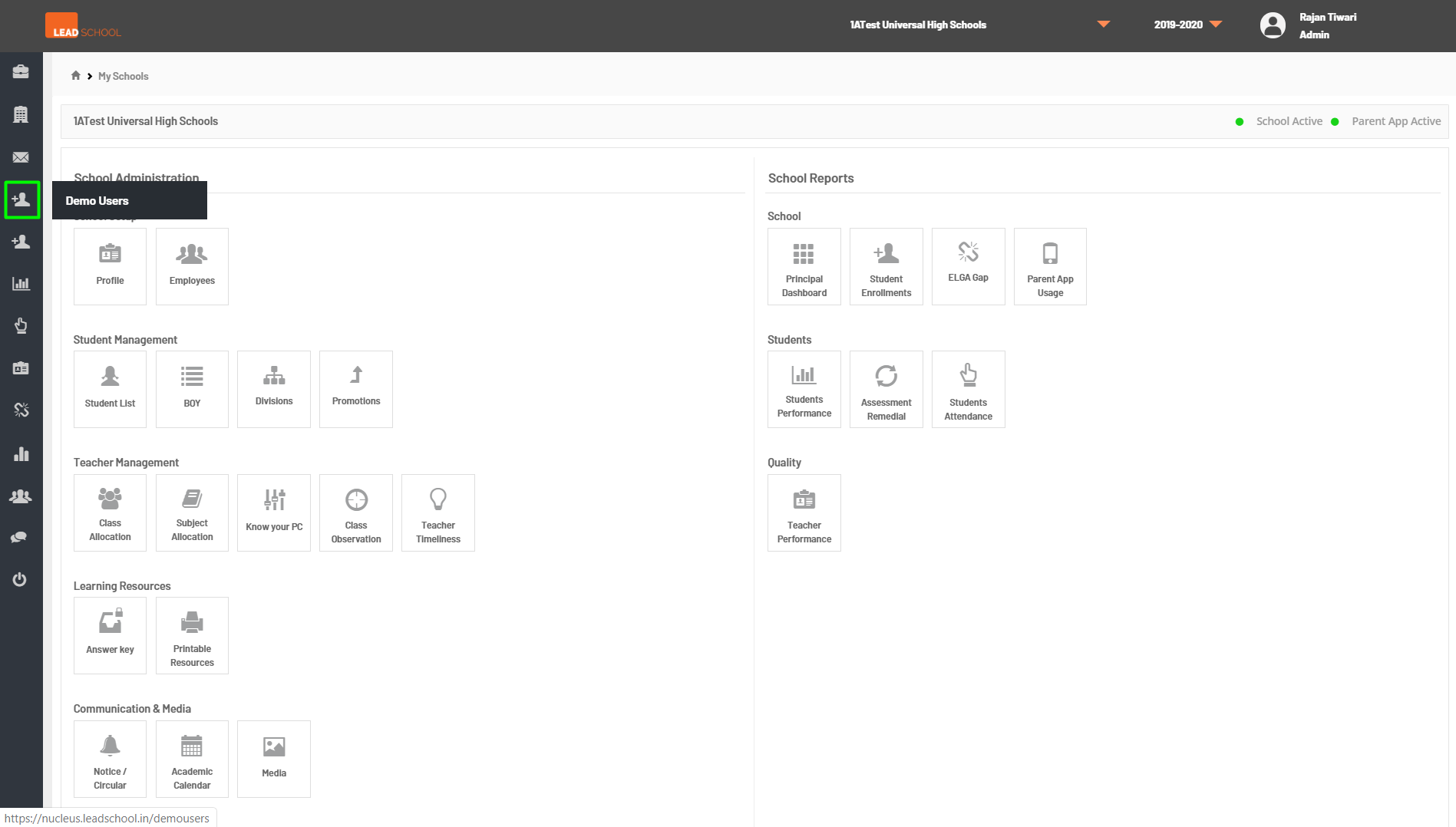
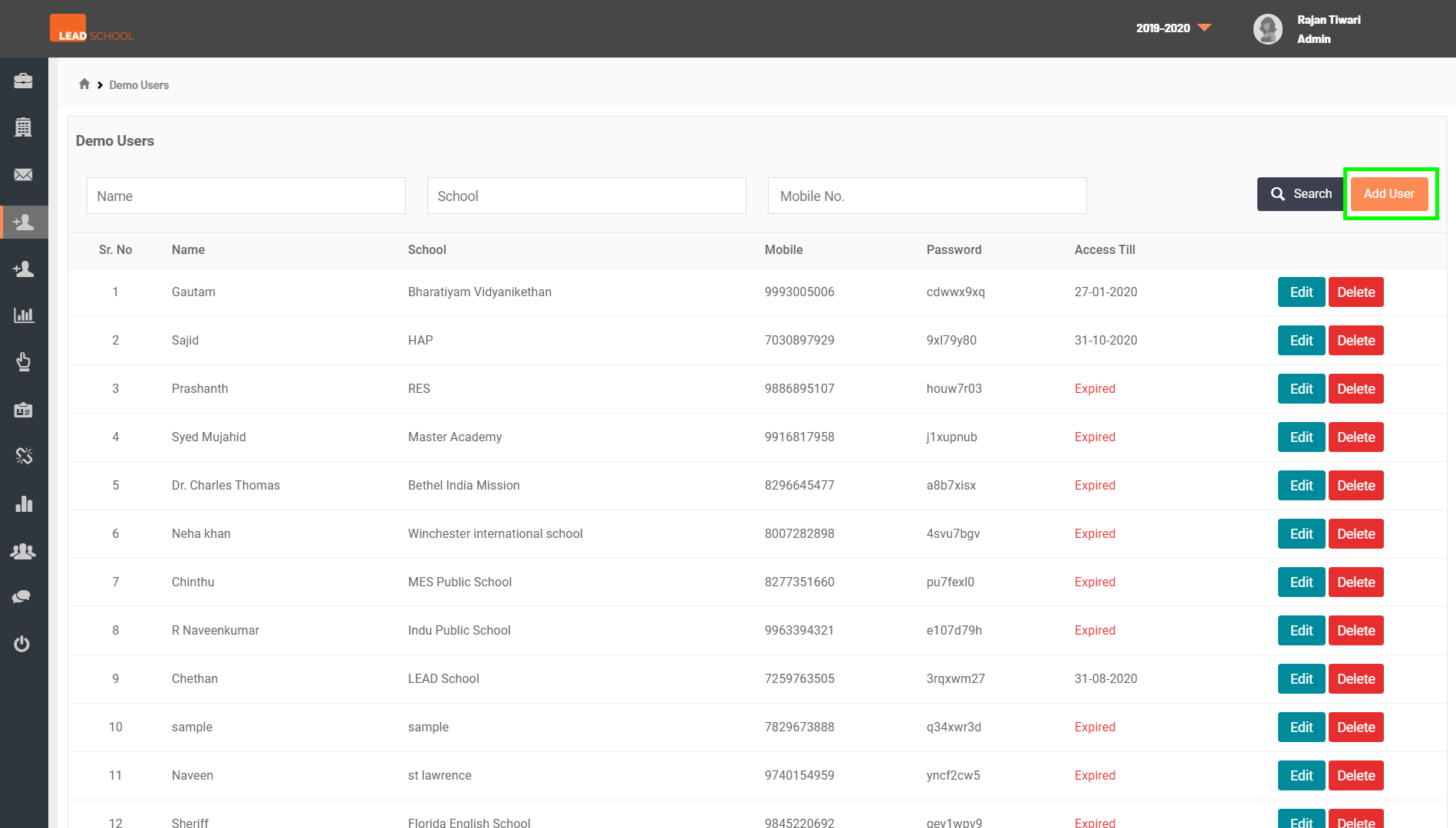
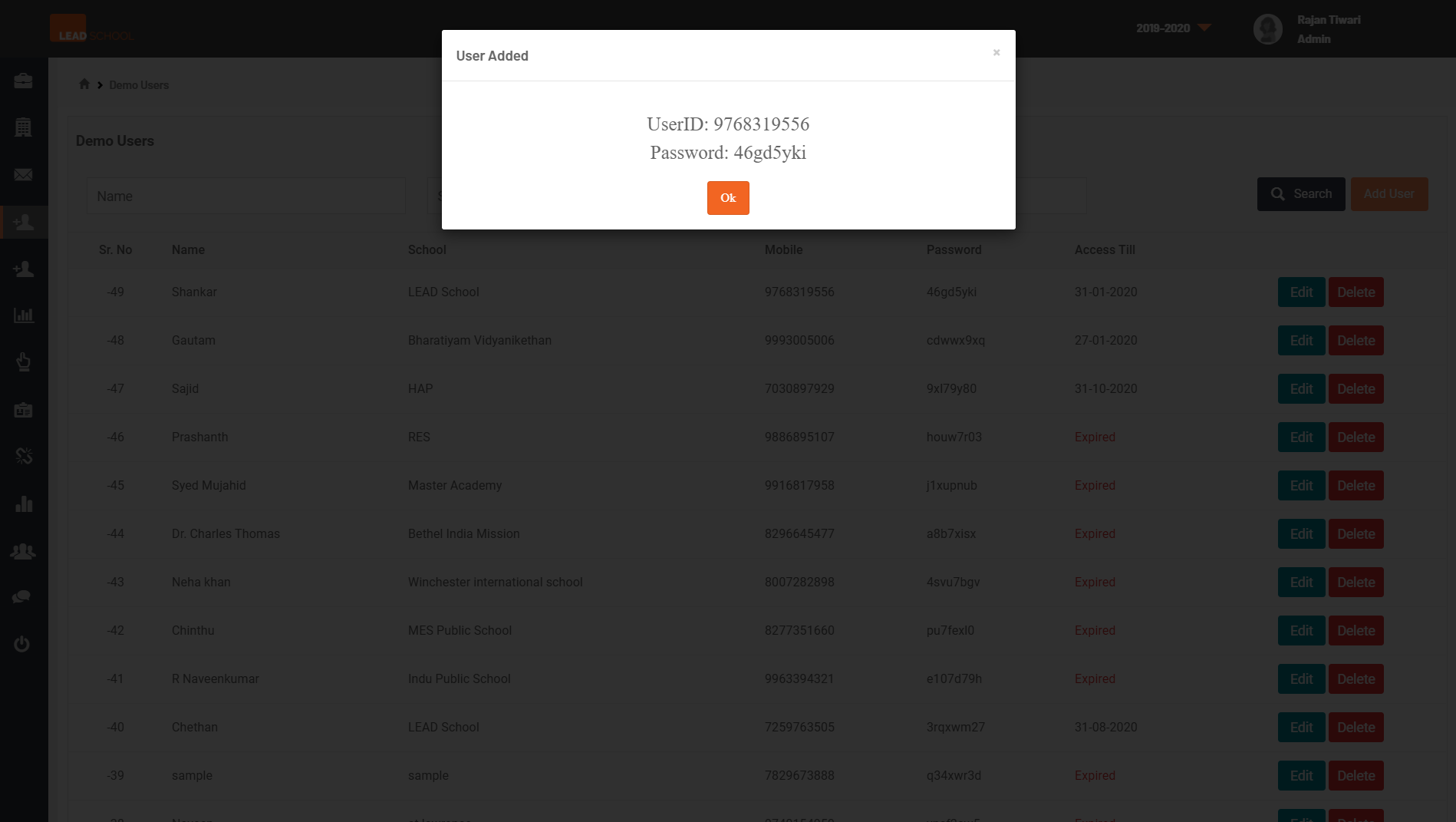
- Admins can create demo users for the KDM Teacher App(Pre Sales) using this page and provide passwords to the schools.
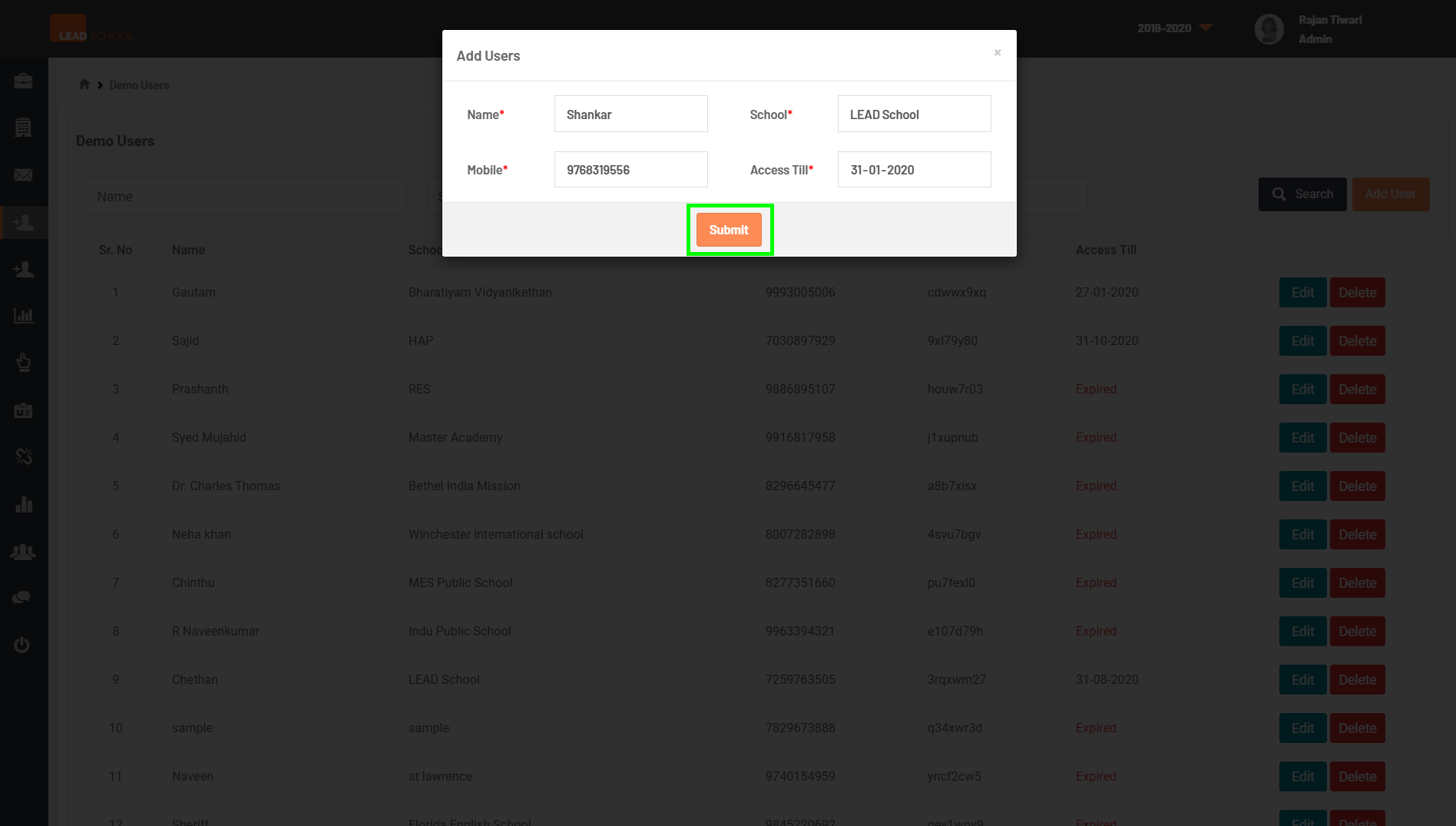
- Click on the Add User to create a new user and enter the school and Principal's name, mobile number and access till date.
- Note: get the access till date, click on Edit next to the mentioned user and change the date as required. To remove the user, click on Delete next to the user and click on Confirm when prompted.