Assessment
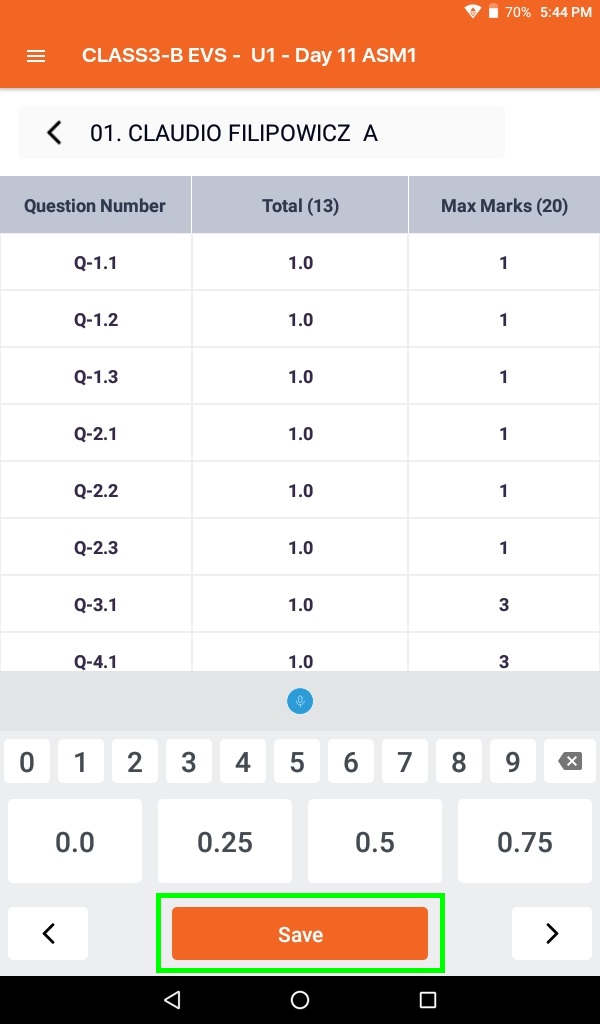
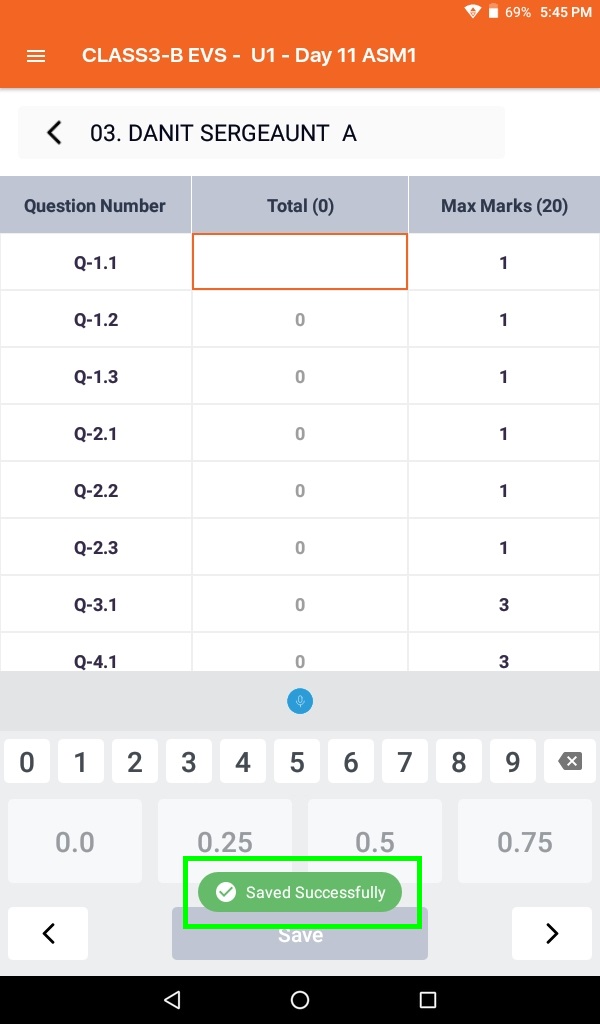
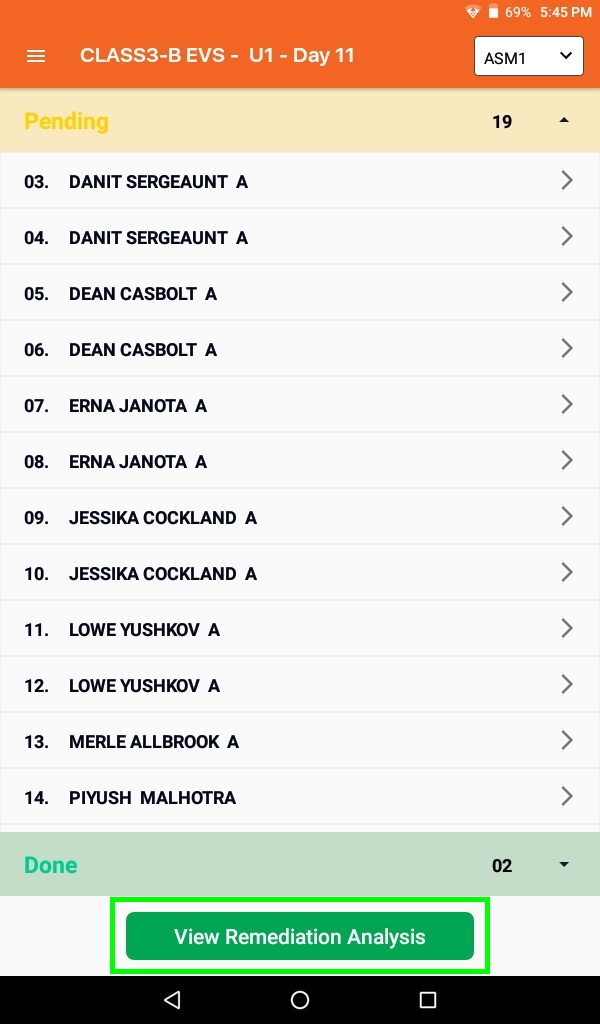
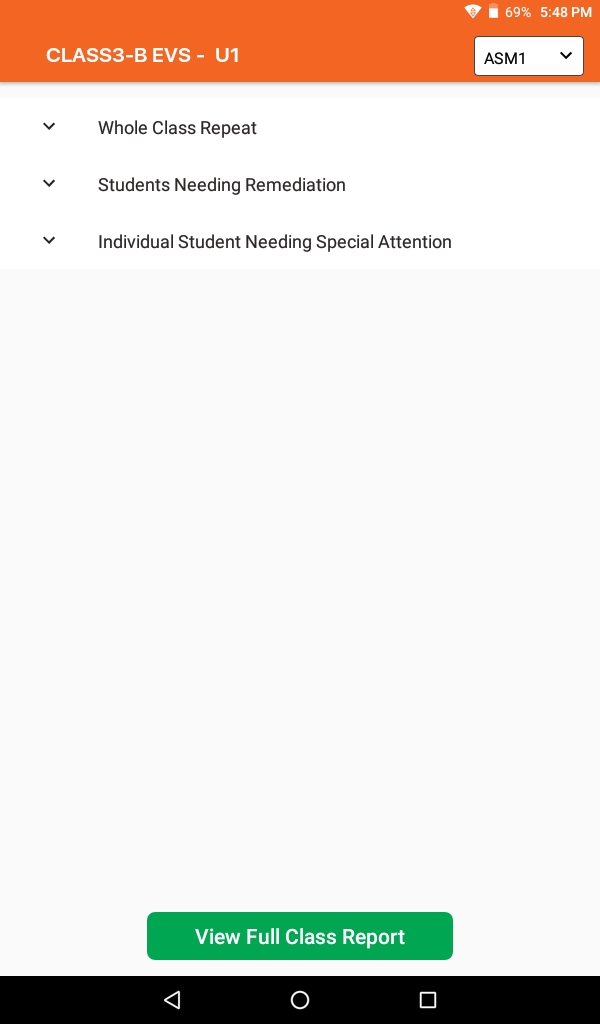
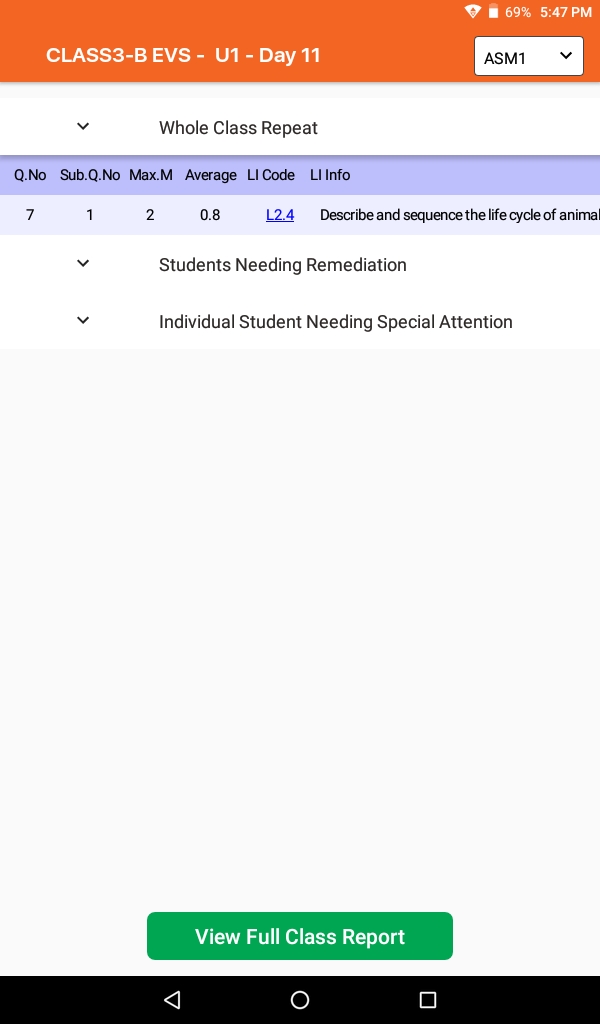
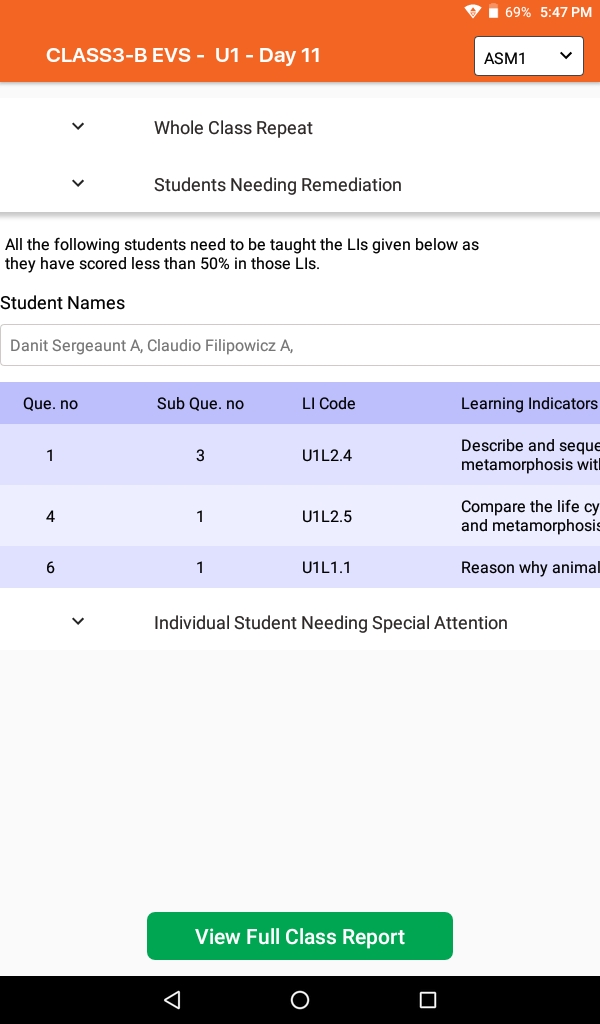
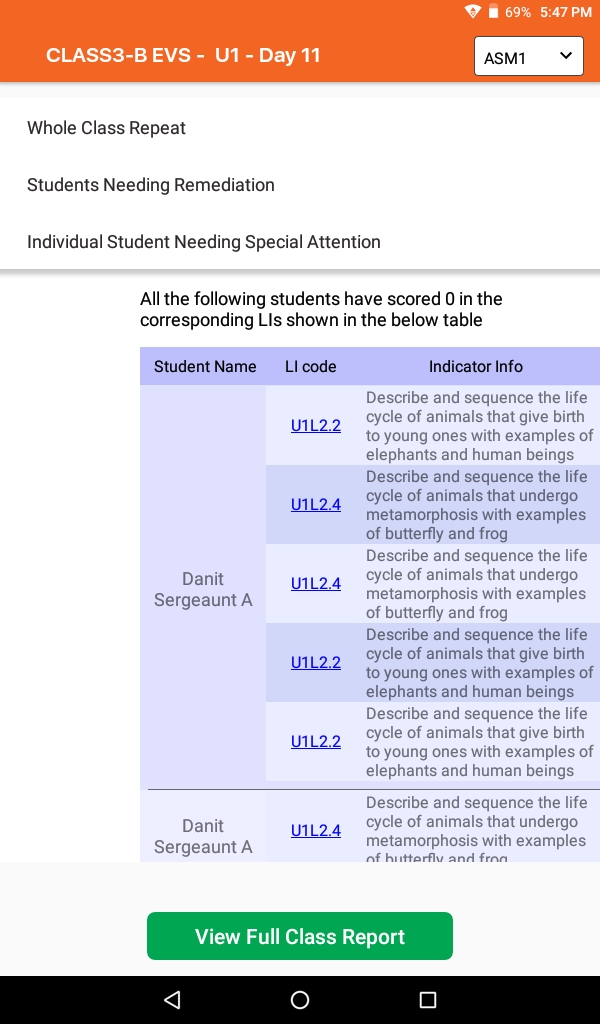
- Assessments help schools to determine progress and subject understanding of students. Using Assessment tool, teachers can conduct assessments for class and then enter scores for all students.
- Note: Question paper and answer paper are already provided to school for all assessments.
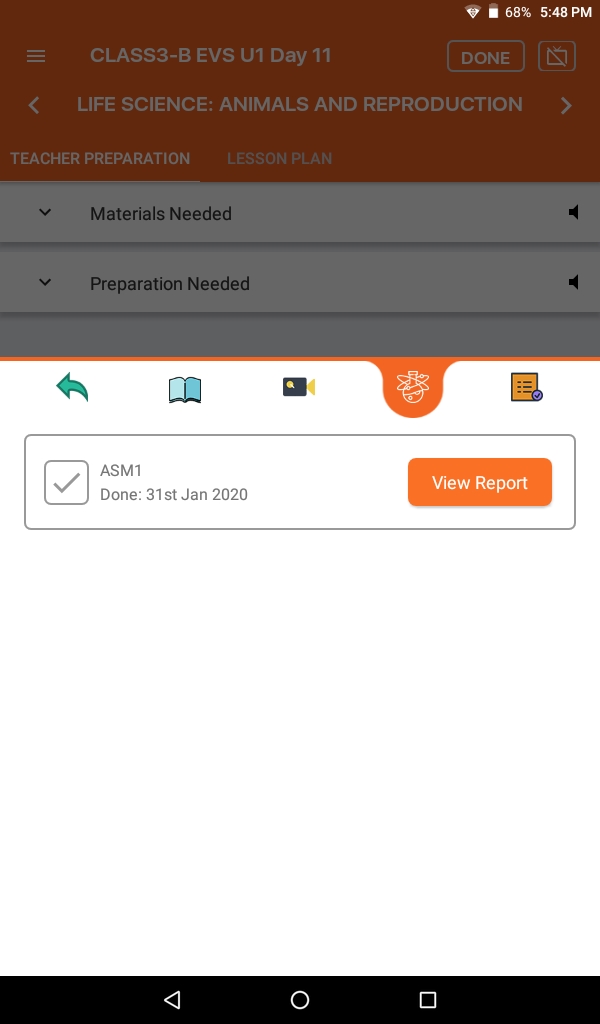
- Click the Assessments option in the mentioned unit to check all assessments (ASM) for mentioned unit.
- Teachers should conduct assessment once each respective day plan is completed as mentioned for the specific assessment.
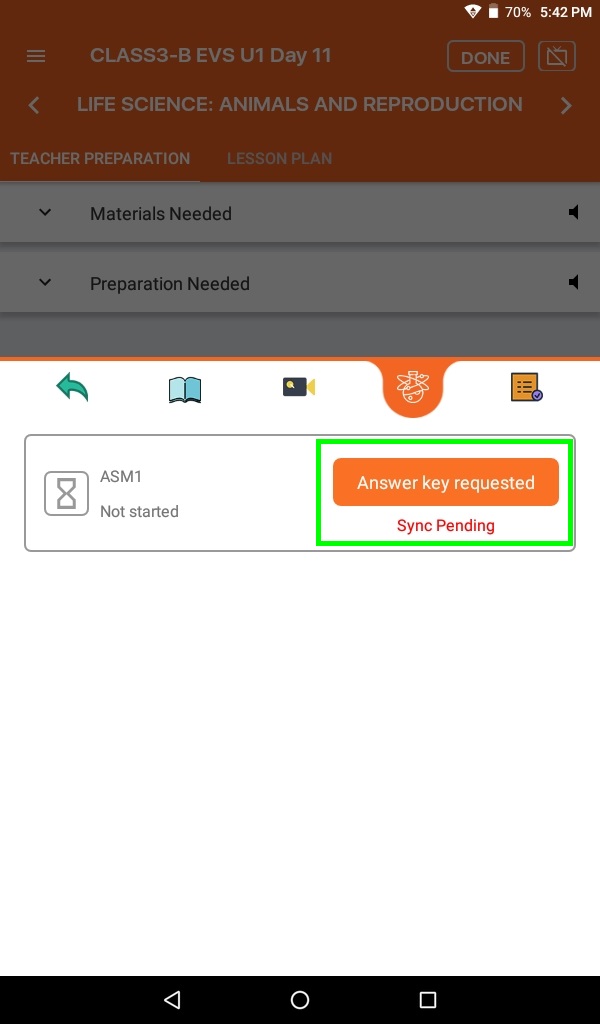
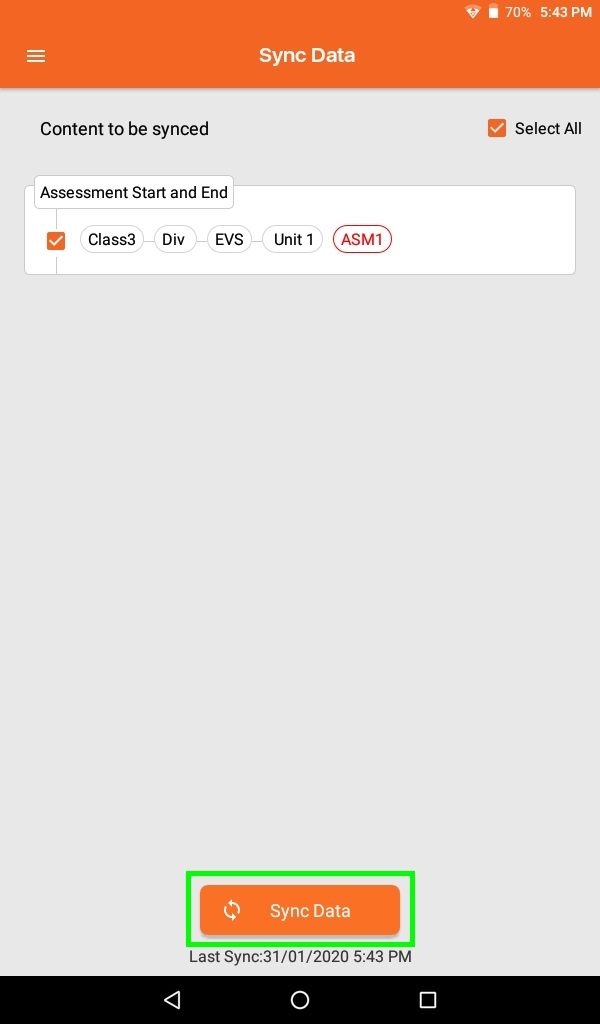
- To start the ASM, click the Request Answer Key button next to the mentioned assessment and sync tab once to get the answer key of mentioned assessment. Note: Until the mentioned day plan is completed, the Request Answer Key button is not visible.
- Teachers should ask the Principal or Academic coordinator to download and print the answer key for the mentioned assessment. With the help of an answer key teacher can check assessment and give scores to students.
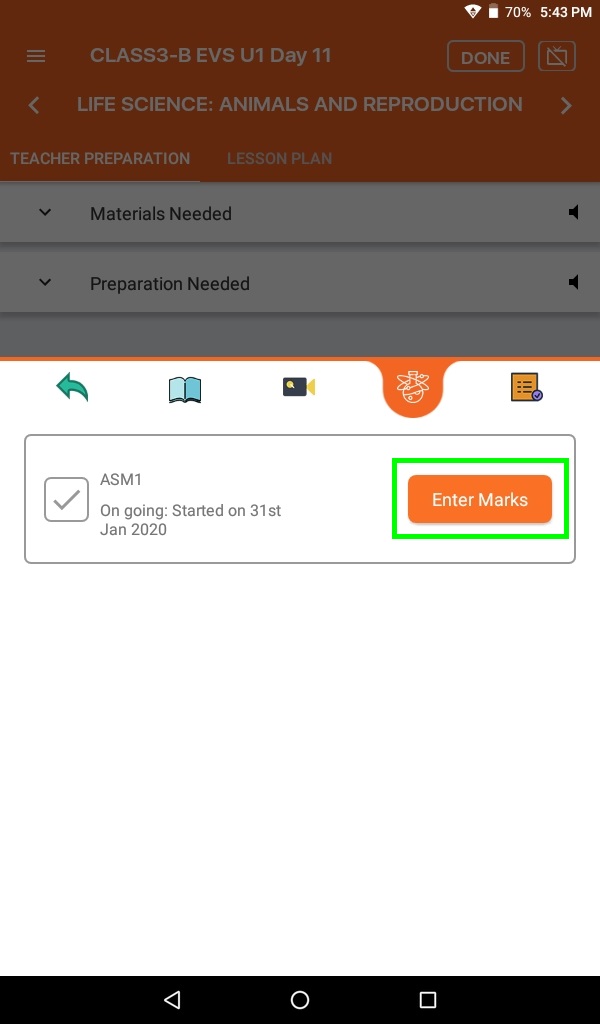
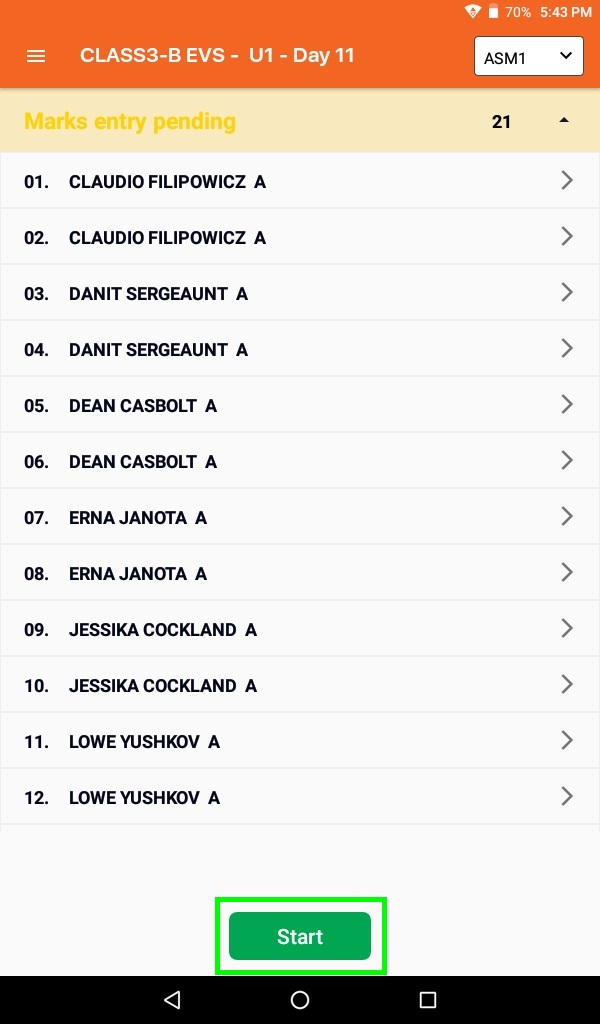
- Click the Enter Marks button to enter assessment scores of all students.