View ELGA Grouping Result
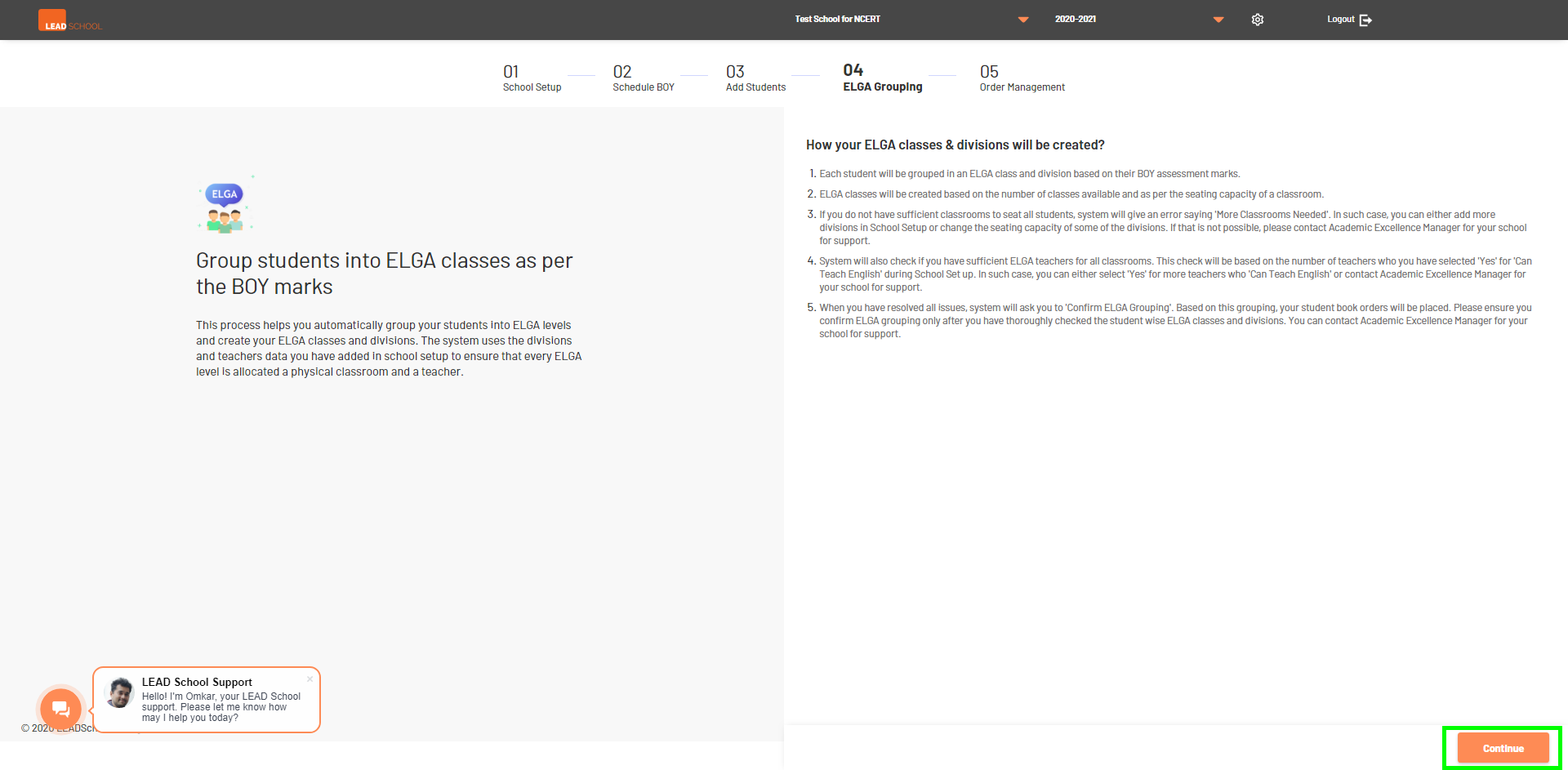
- Schools can confirm ELGA grouping of any new admission students using this option. To access is navigate to School Administration > Student Management > ELGA Grouping. It will open the screen below. ClickContinue to start the process.
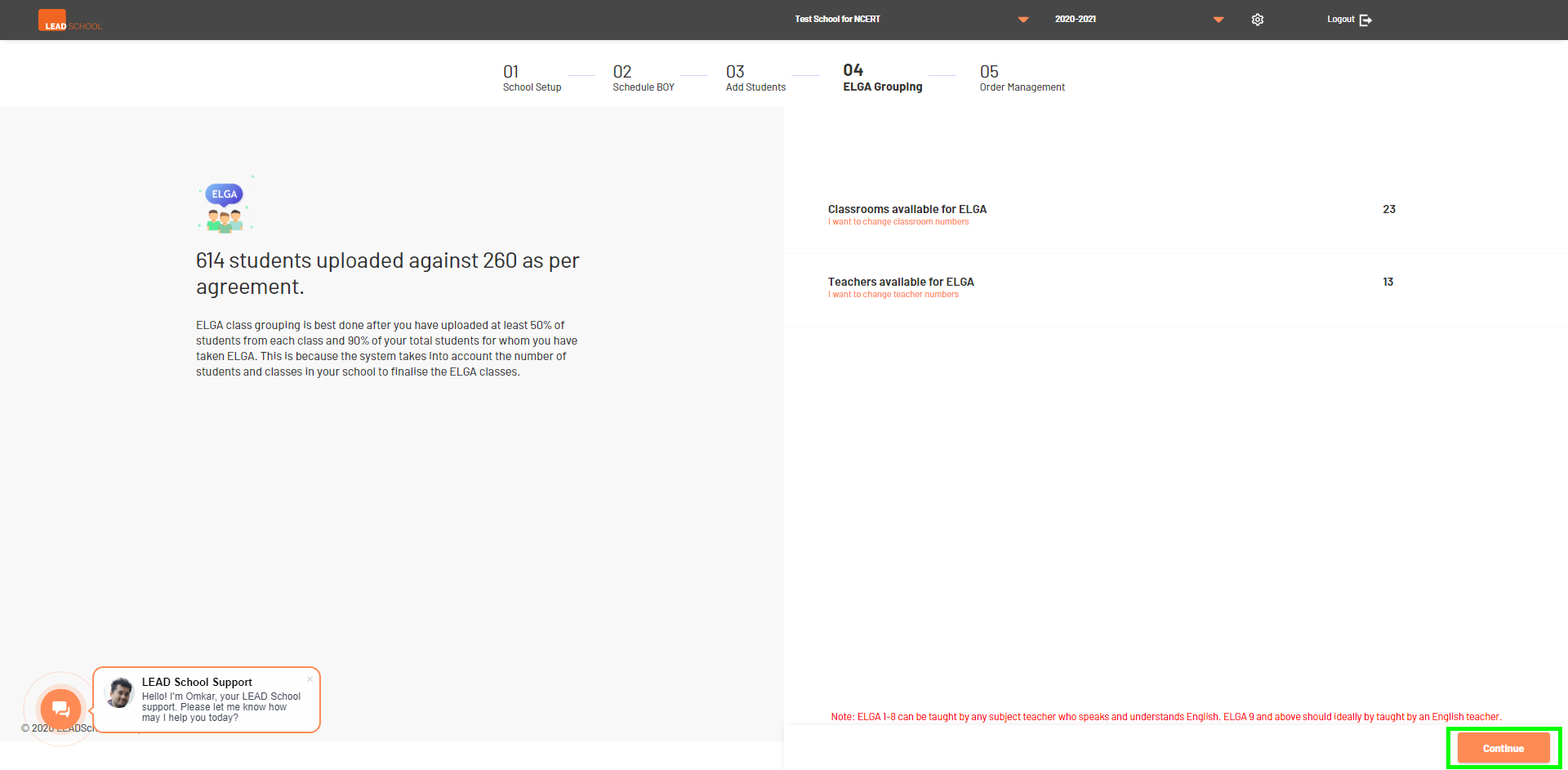
- Schools can click Classrooms available for ELGA or Teachers available for ELGA to add/modify data. It will redirect to the School setup page where school can change details.
- Click Continue to proceed further with ELGA grouping.
- With the help of experience manager school can complete ELGA grouping. Based on ELGA grouping suggestions, schools can add new classrooms or change classroom capacity by clicking the Add/Update Classroom button.
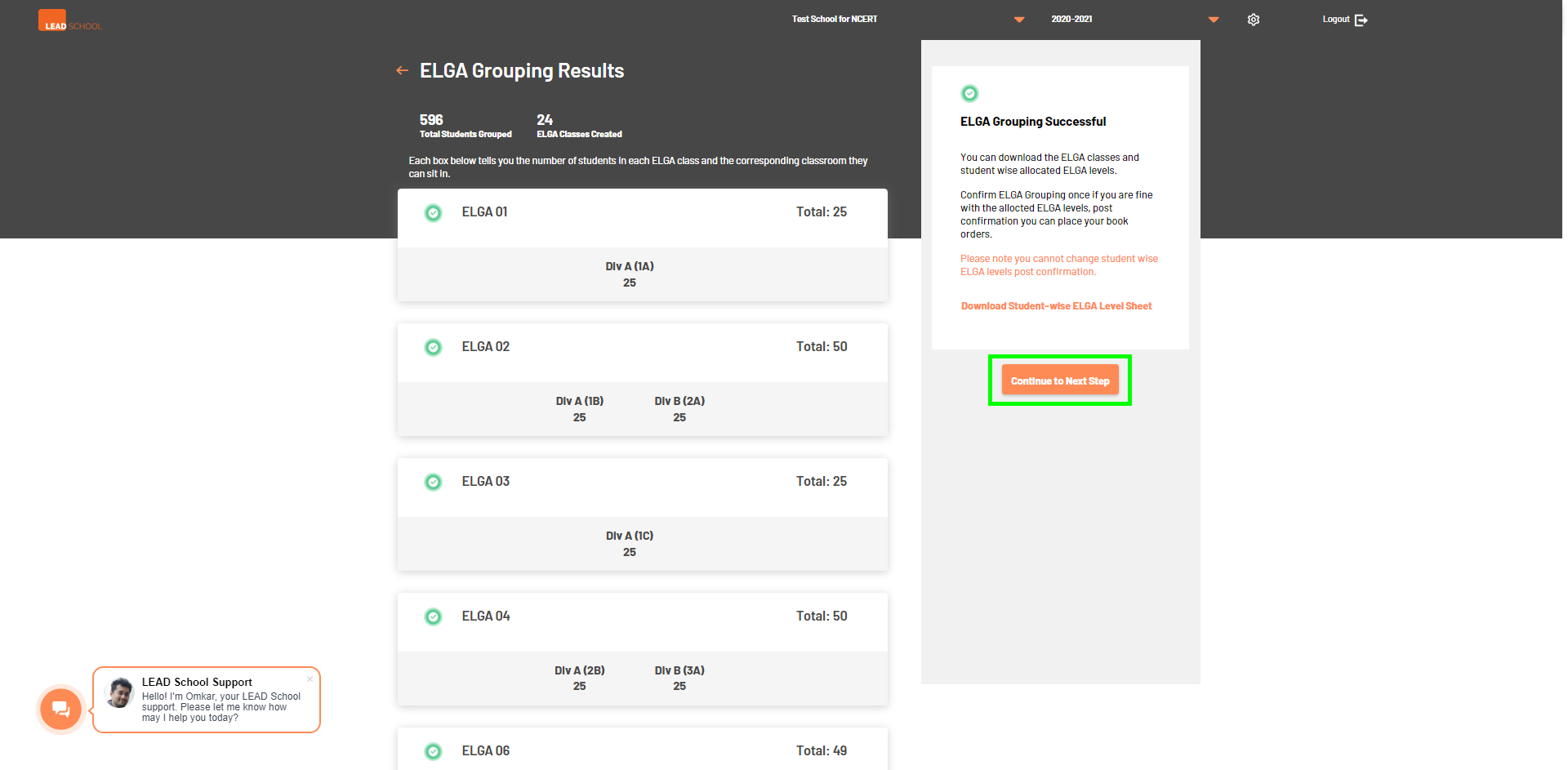
- Click Rerun Grouping so that the system can assign students to their respective classes again.
- Click the Continue to Next Step button to complete the ELGA grouping process.