Local Resource Box
- Local resource box option will help you connect with your NAS device and download resources. This will eliminate the SD card and you can download the resources directly from the NAS device.
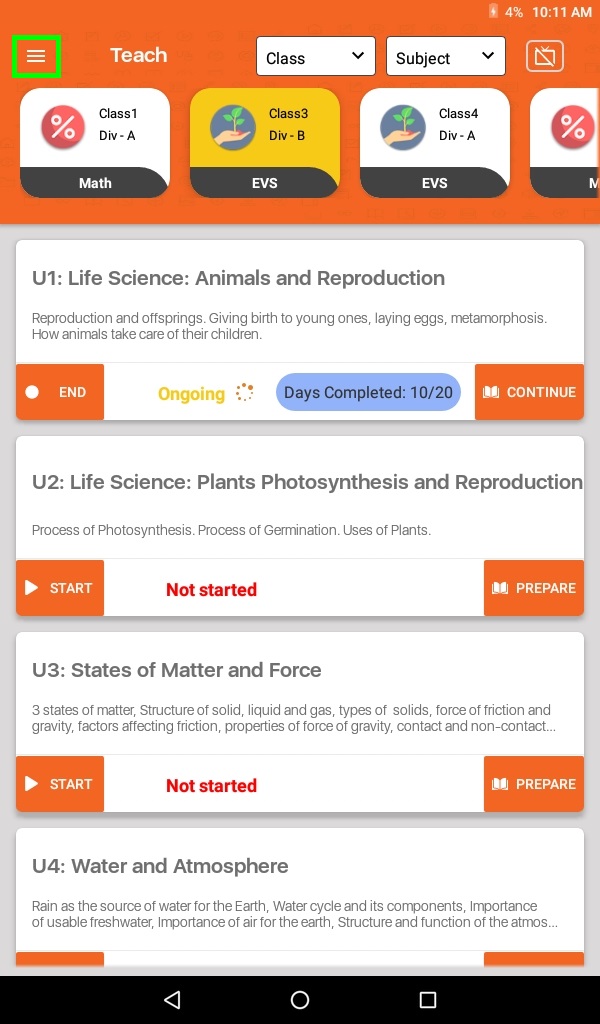
- Go to Menu (≡)
- Note:Make sure that you are connected to Lead AP WiFi network on Tab.
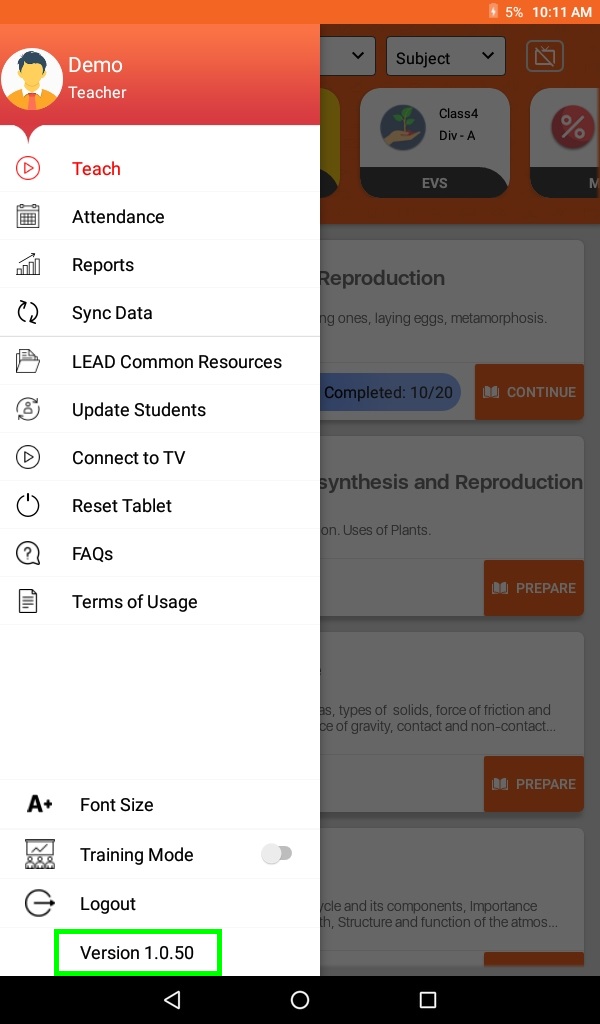
- Press and hold for 5 sec on Version
- On system information page, click on Local Resource Box to initiate process.
- Click on the Connect Now button to connect with the NAS device.
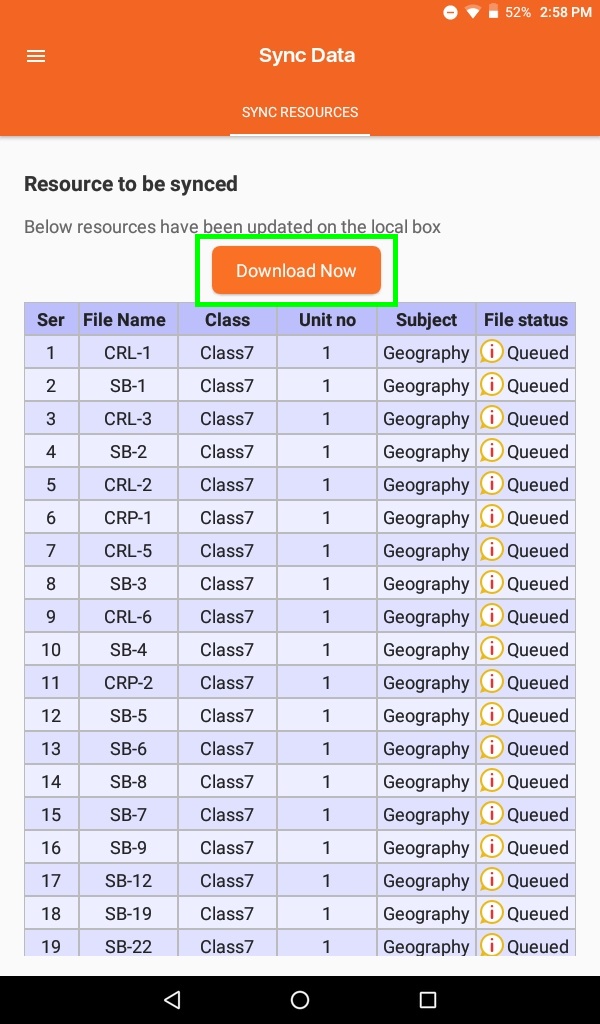
- You will receive a list of resources which are available for download. Click on the Resource button to download it on your tab. Downloading status will appear on screen for tracking.