CATEGORIES
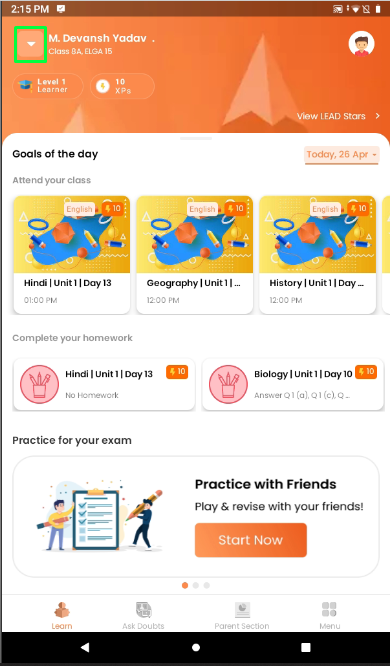
- Click on the dropdown button to see the student profiles if your number is registered with multiple child.
- Student's level and XP's will be visible under student name.

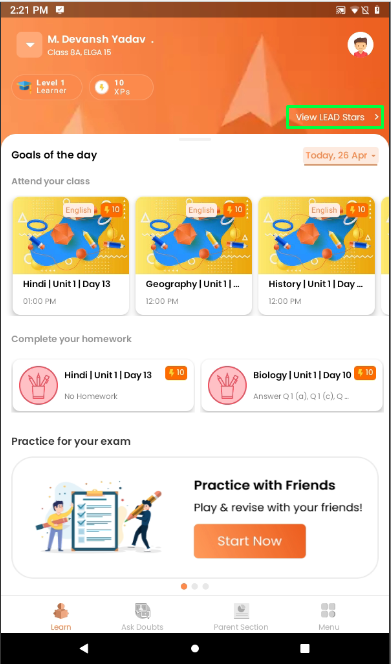
- Lead stars and student jurney can be seen by clicking on the View LEAD Stars.
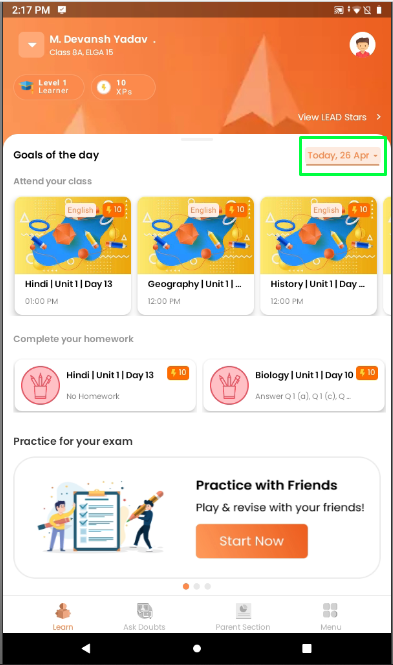
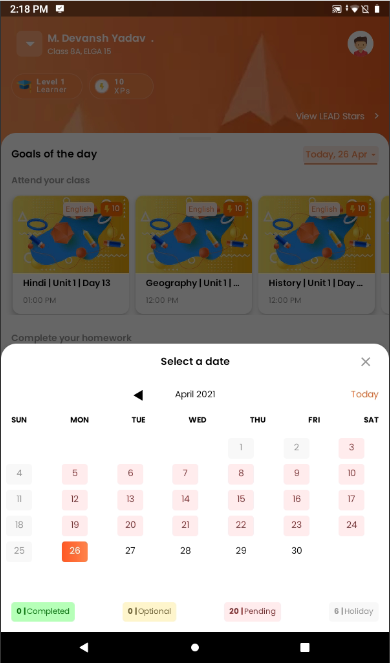
- Click on the Date if you want to check previous days classes.
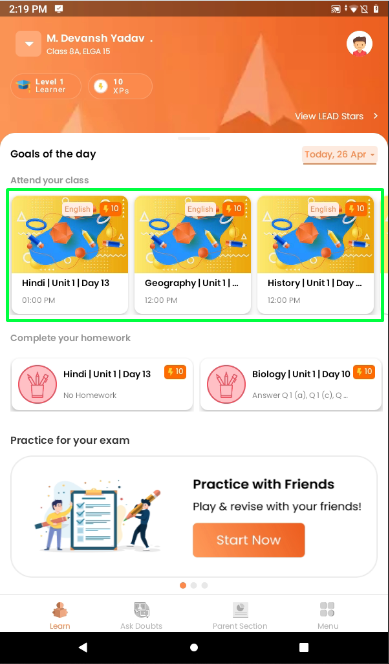
- Goals of the day - Shows the daily classes student need to attend.
- Student will get XP's after completing each homework.
- To attend classes student will click on the class tile.
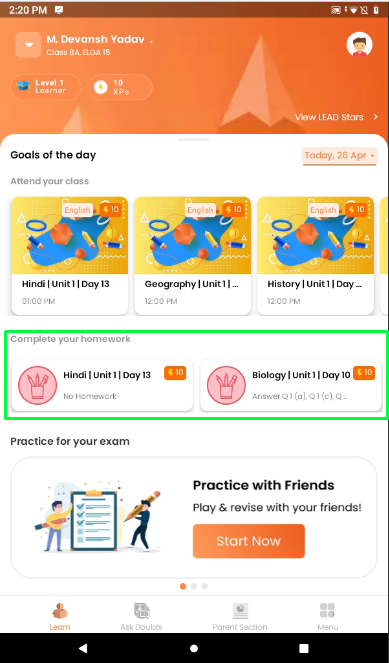
- Complete Homework - Shows the daily homework student need to complete.
- Click on the subject to complete your homework.
- Student will get XP's after completing each homework.
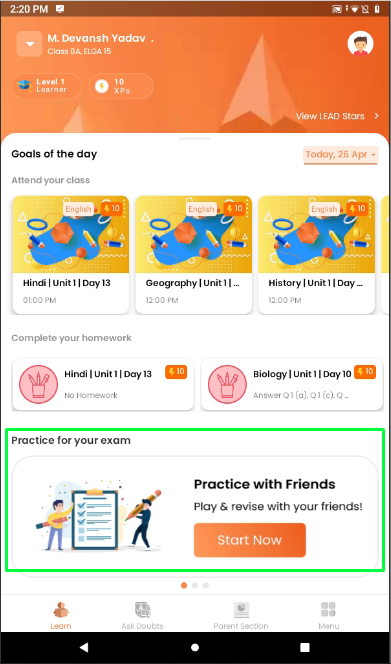
- Practice for your exam - Connect with your friends and study.
- Students can chanllenge each other and earn more points.
- Earn more points to earn more badges.
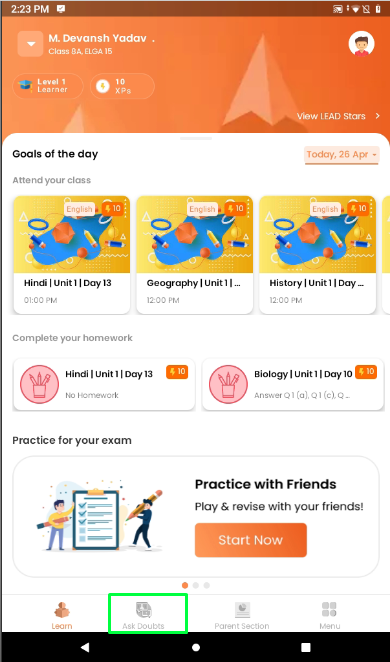
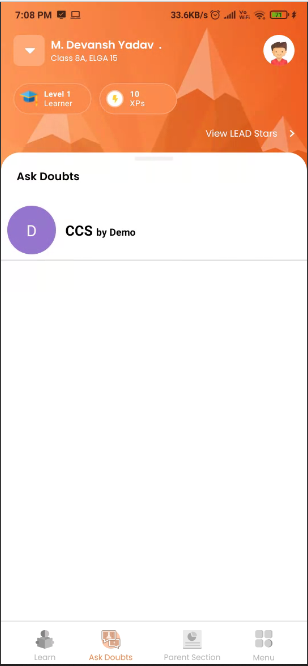
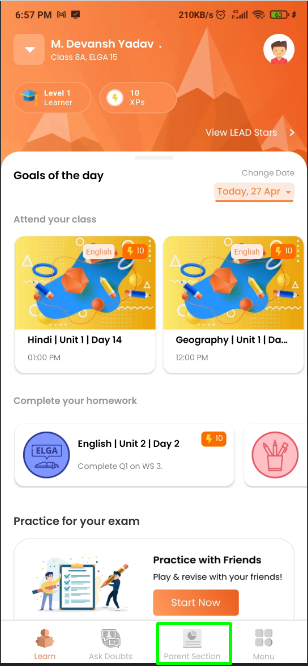
- At the bottom of the page we have Ask Doubts, Parent Section, Menu
- Ask Doubts will help student connect with teachers if they have any queries.
- Parent Section Cantains the student reports, payment information, academic calendar and school notices.
- Menu contains
- Homequiz, School Notice, Work Books, Class Timetable, My Payments, Media, Unit Progress, Assessments, Academic Calender, View Tutorial, Settings