Managing media
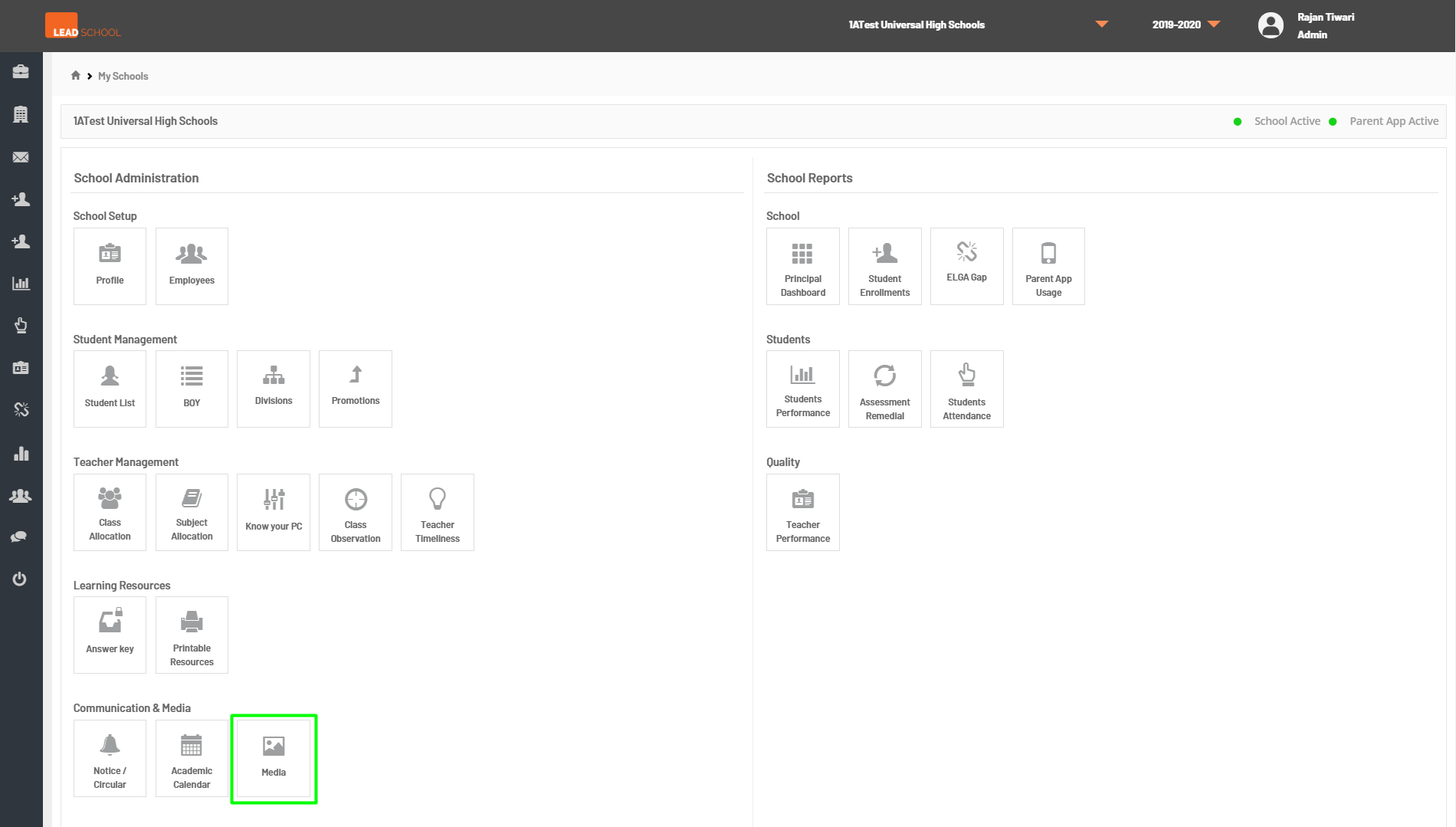
- Navigate to School Administration → Updates → Media. Schools can view and manage photos of the students from this page.
- Step 1: Go to Media tab
- Step 2: Schools can select filter options and then click on Search to find photos of a particular class.
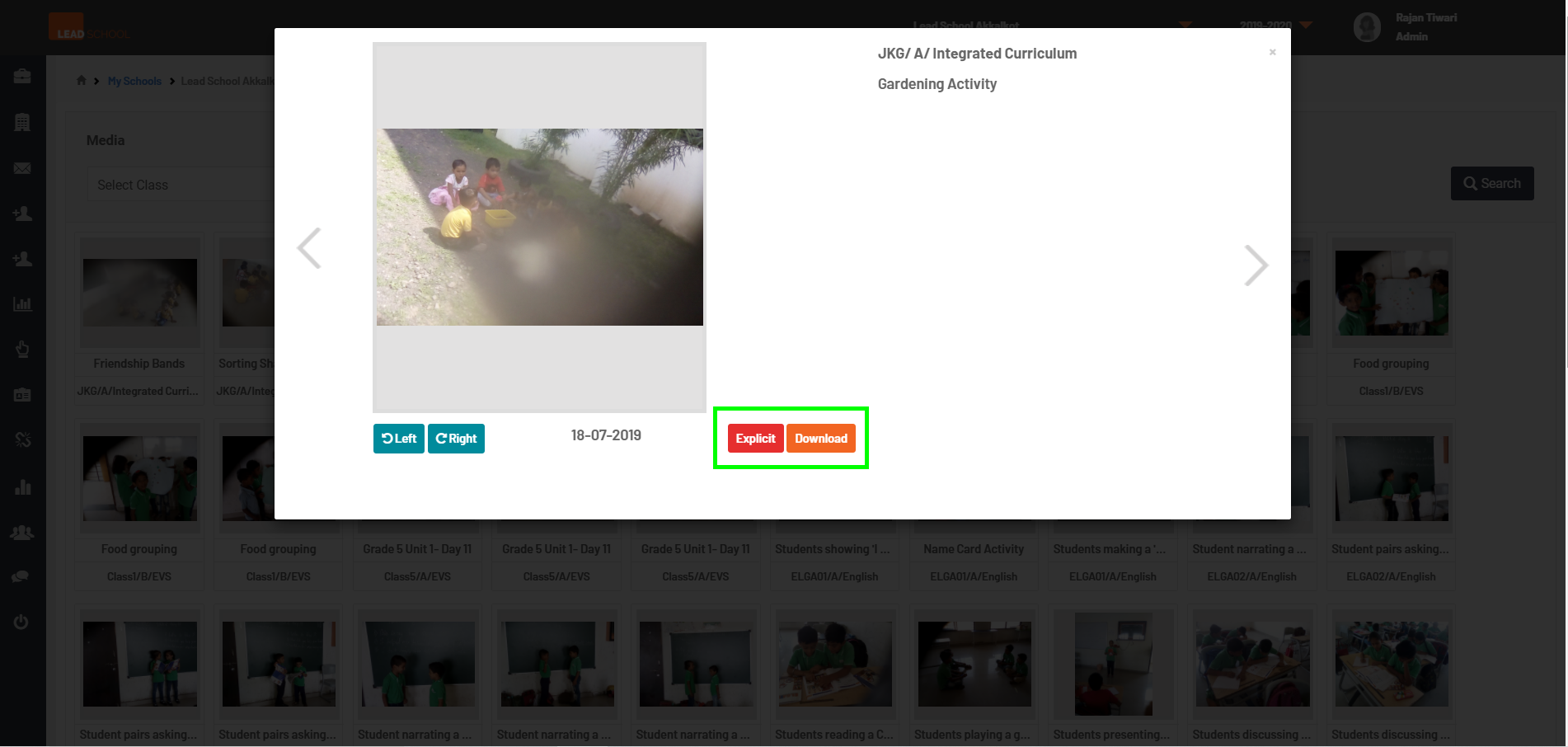
- Step 3: To see more options, click on any image in the list. It will open the screen below. Schools can Download the required image or mark it as Explicit.