Modify Timetable
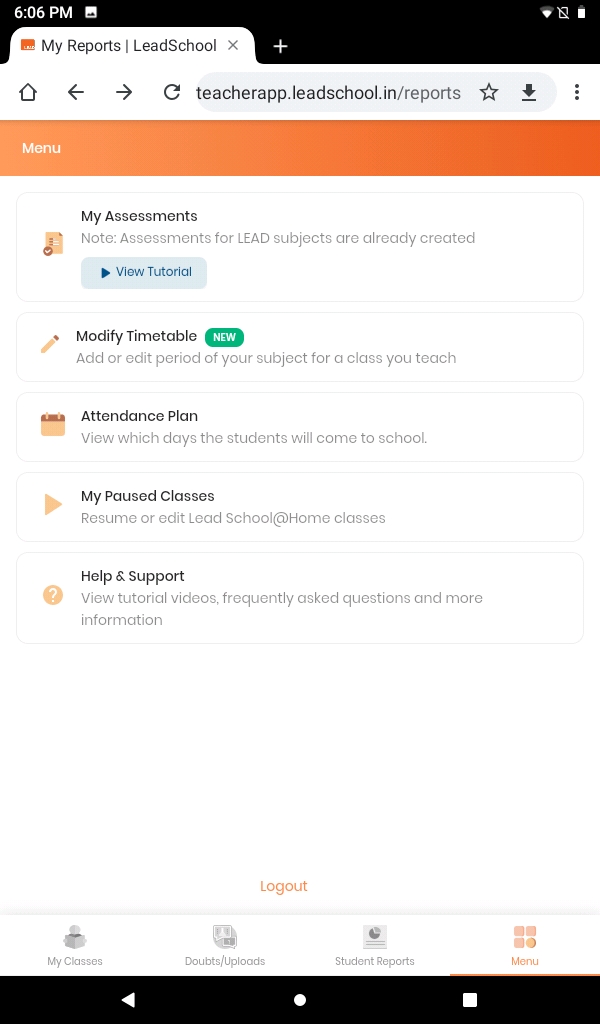
- Click on the menu and select Modify Timetable.
- Click on Add Class if you want to create new class or click on Edit Class if you want to edit existing class.
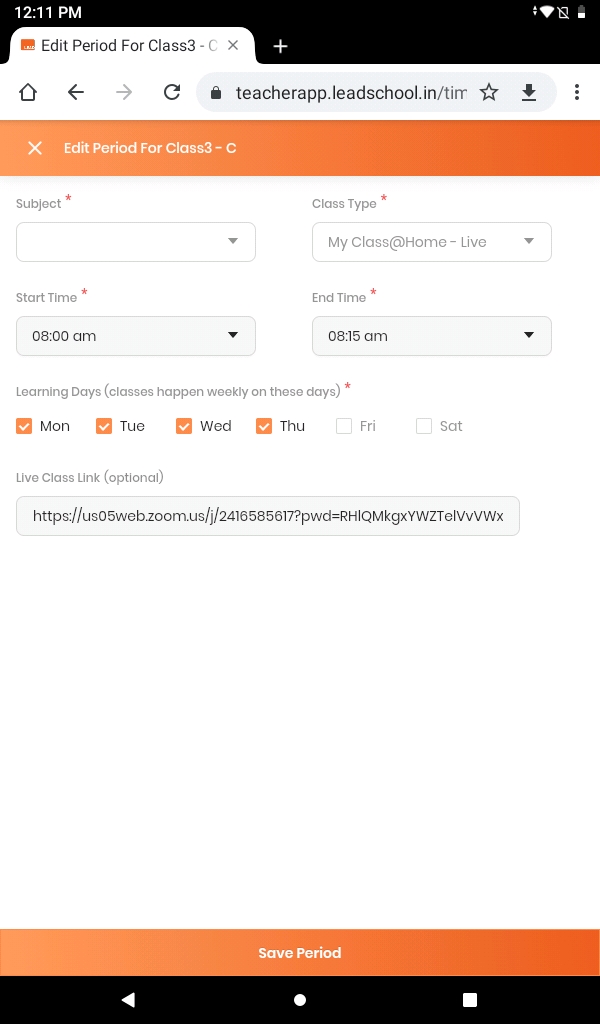
- Click on + Add New Period.
- Select your Subject of a class
- Select your Class Type from drop down.
- Select Start time and End time of the class. Make sure class time shouldn't be conflicted with other class. Error message will get displayed if this happens.
- Select the Day from the week.
- Click on Save Period to create new class.
- Your new period will get scheduled on given time.
- To edit class click on Edit Class and follow above mentioned steps carefully.

|

|
|---|