School Notices
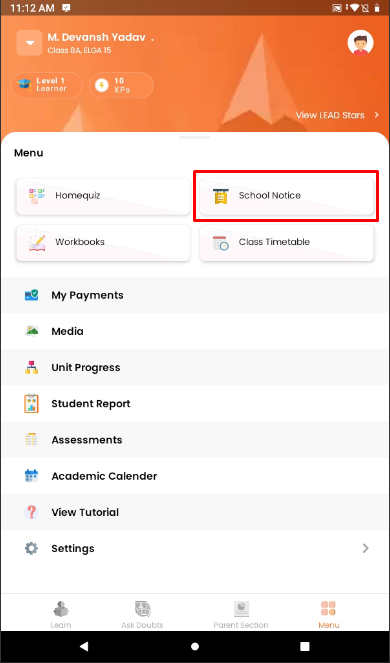
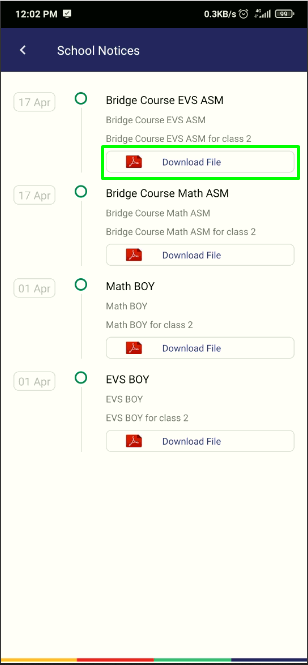
- A school can send circular or notices to a particular student or class or to the entire school. To check new or old notices or circulars, parents can tap on Notice in the student dashboard. Sometimes a school might have to attach a pdf file for additional information. Tap on Download File to open and view the file.
- Click on the School Notice tile to check received notices.
- Click on the Download file to download.