Managing SMS Credit
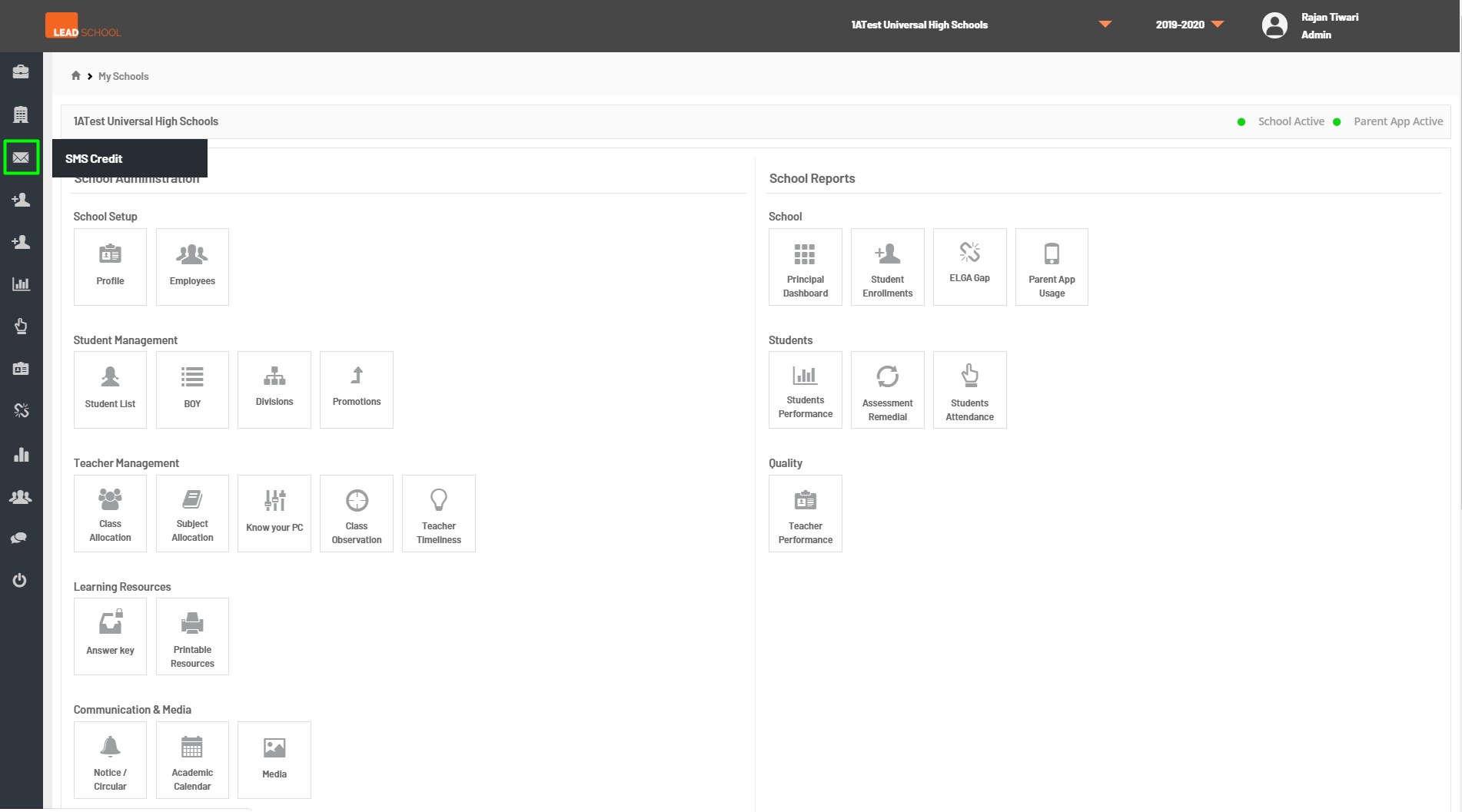
- Navigate to Left side menu → SMS Credits. This option is only available for admins. Schools and AEMs do not have access to this option. This page allows the admin to add SMS credits to the school if the school has requested the same.
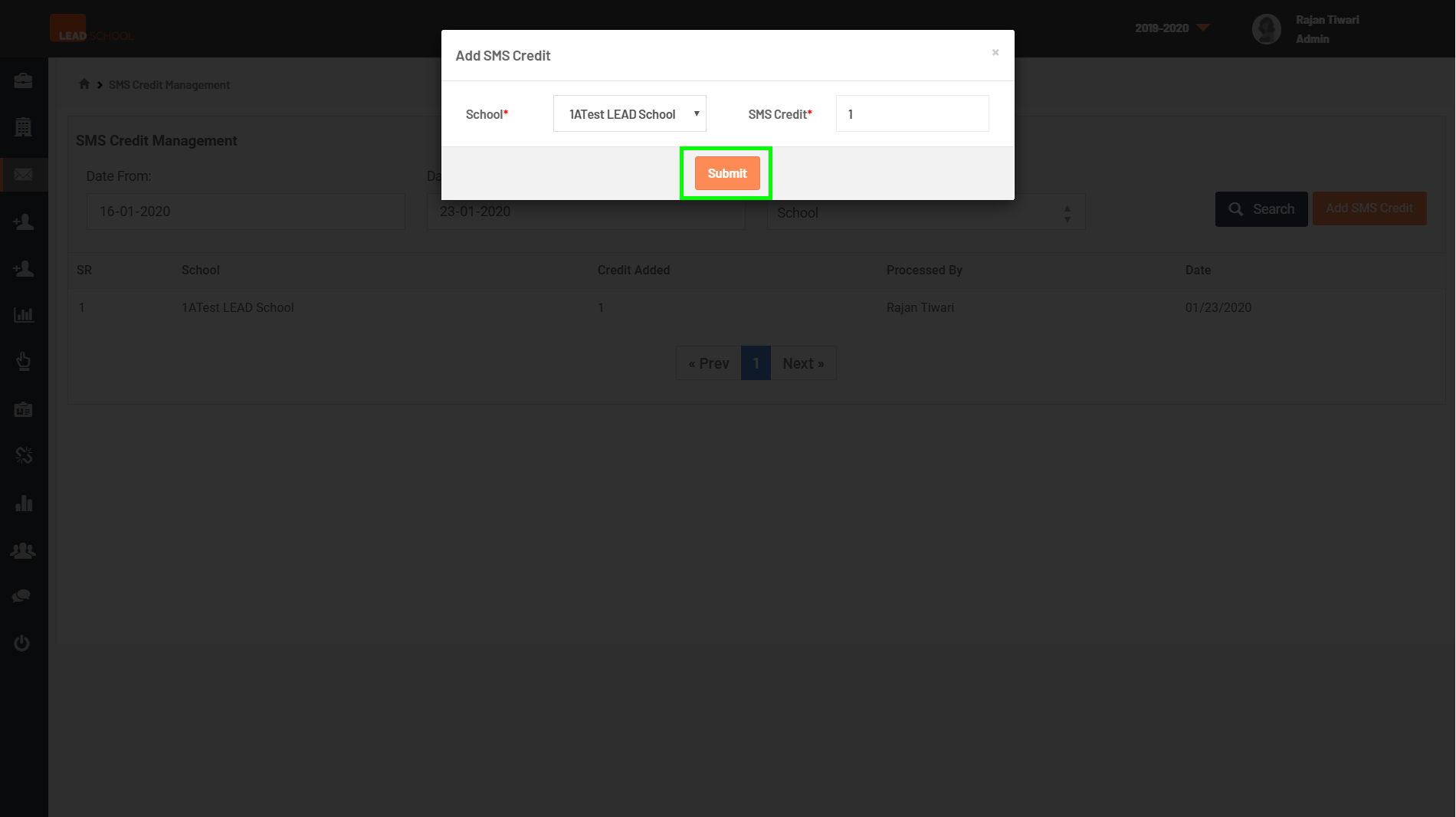
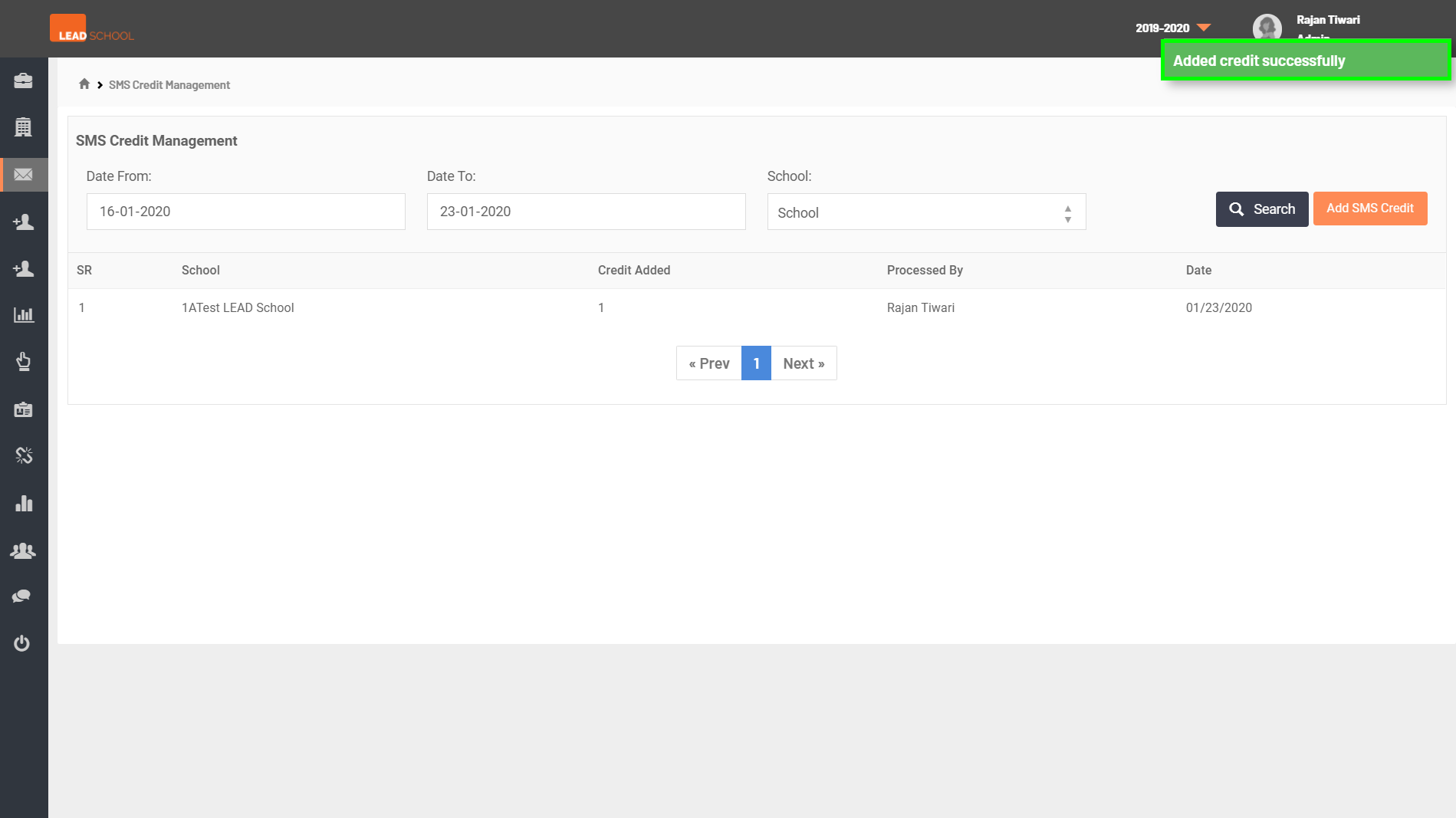
- Admins can set the date range to view the previously added credits for their reference. To add SMS credits, click on Add SMS credit, it will open a pop-up window. Select the school name from the drop-down menu and enter the number of SMS credits (e.g. 25000 or 50000). Click on Submit to add the credits.