Sync Saved Data
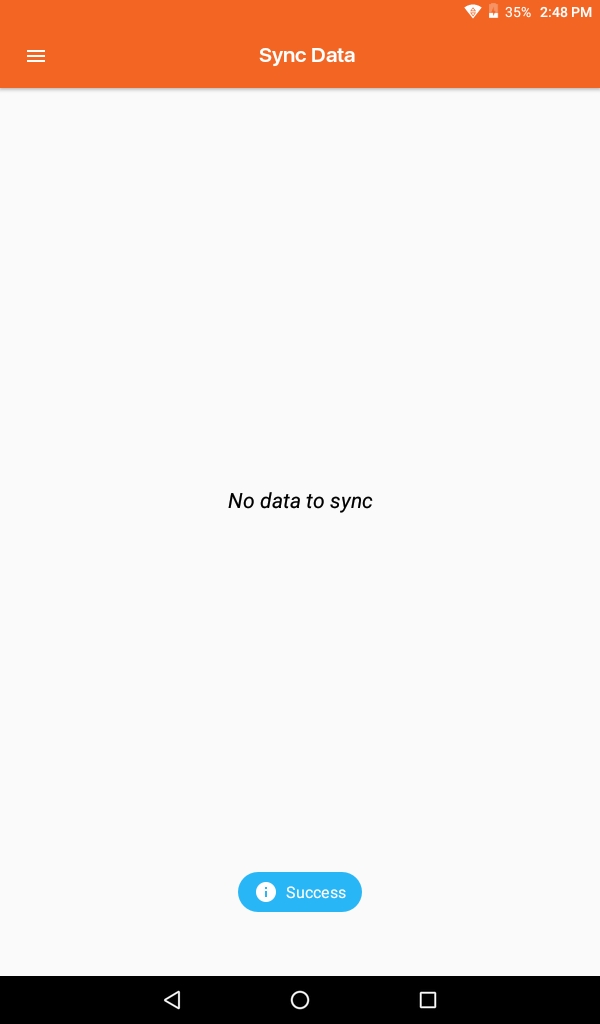
- Teacher App is recording each operation that needs to be sent on the Nucleus. To get this data updated on the Nucleus, the Teacher App needs SYNC data.
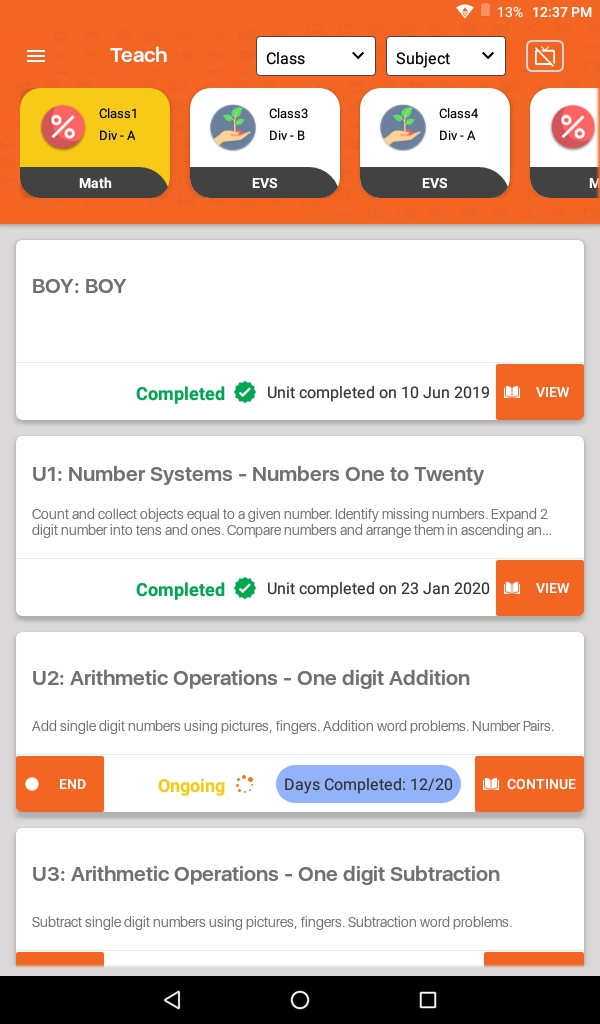
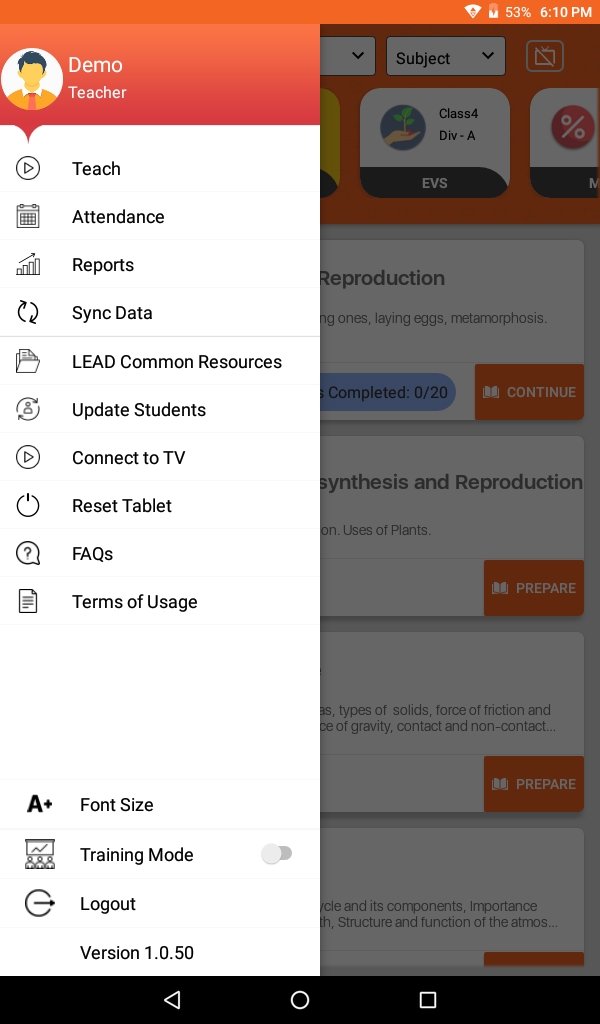
- Click on the Menu (≡) to select Sync Data.
- Click on Sync Data tab.
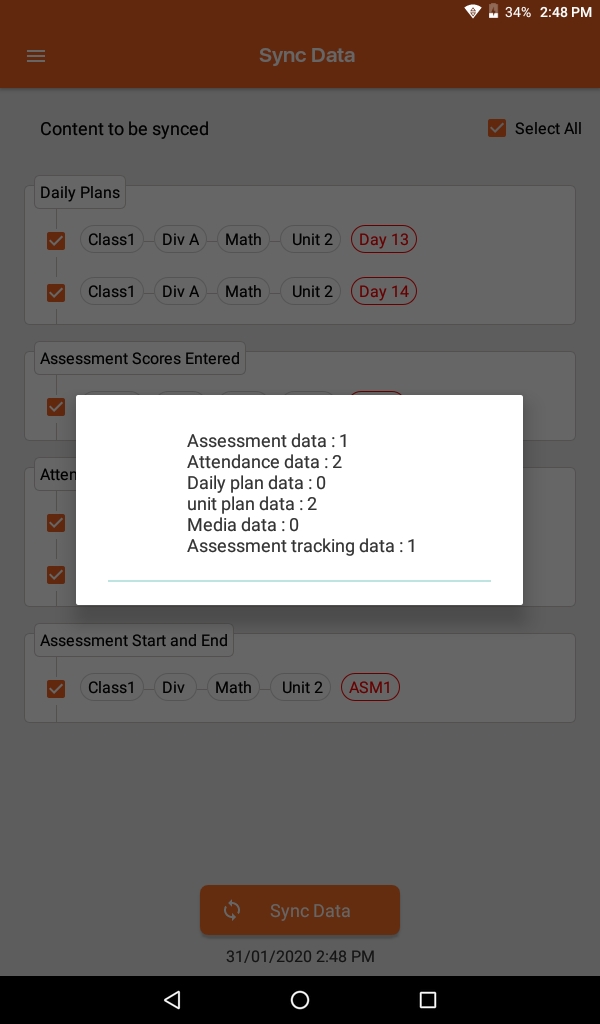
- By default below all content will be checkmarked for Sync. You can unselect an action and that will not get uploaded on the Nucleus. Attendance, ASM's, Day Plan, Unit Start and End Date, ASM Start Date these data Tecaher can Sync from this page.
- Click on Sync Data button to Sync the data.