Login Procedure
- Before starting this stage, the user needs to be registered on the Nucleus. The number registered on the Nucleus will receive the OTP (One Time Password) to verify the user. The user needs to enter the OTP to authenticate himself/herself.
- Step 1: Click on Forgot Password/Generate New Password to create a password
- Step 2: Enter your mobile number to receive the OTP (One Time Password)
- Step 3: Enter the OTP. Create your password with a minimum of 8 characters, Confirm your password and on Submit.
- Step 4: Enter Mobile Number, Password and checkmark I accept the Terms & Conditions and Privacy Policy for login.
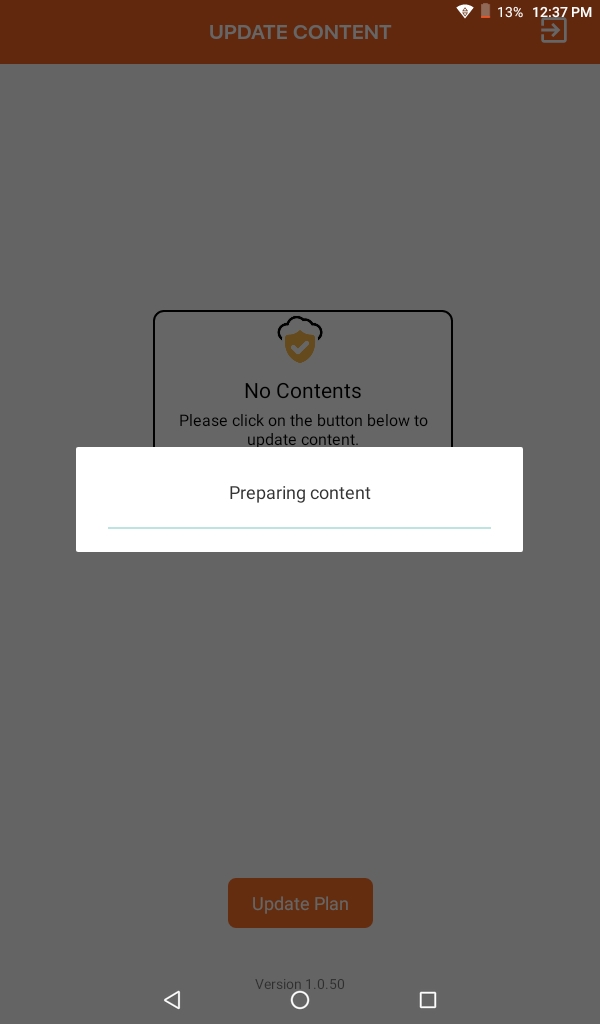
- Step 5: Click on Update Plan button, it will fetch the class and subject details assigned to Teachers on Nucleus to Tab.