-
Student Attendance Data
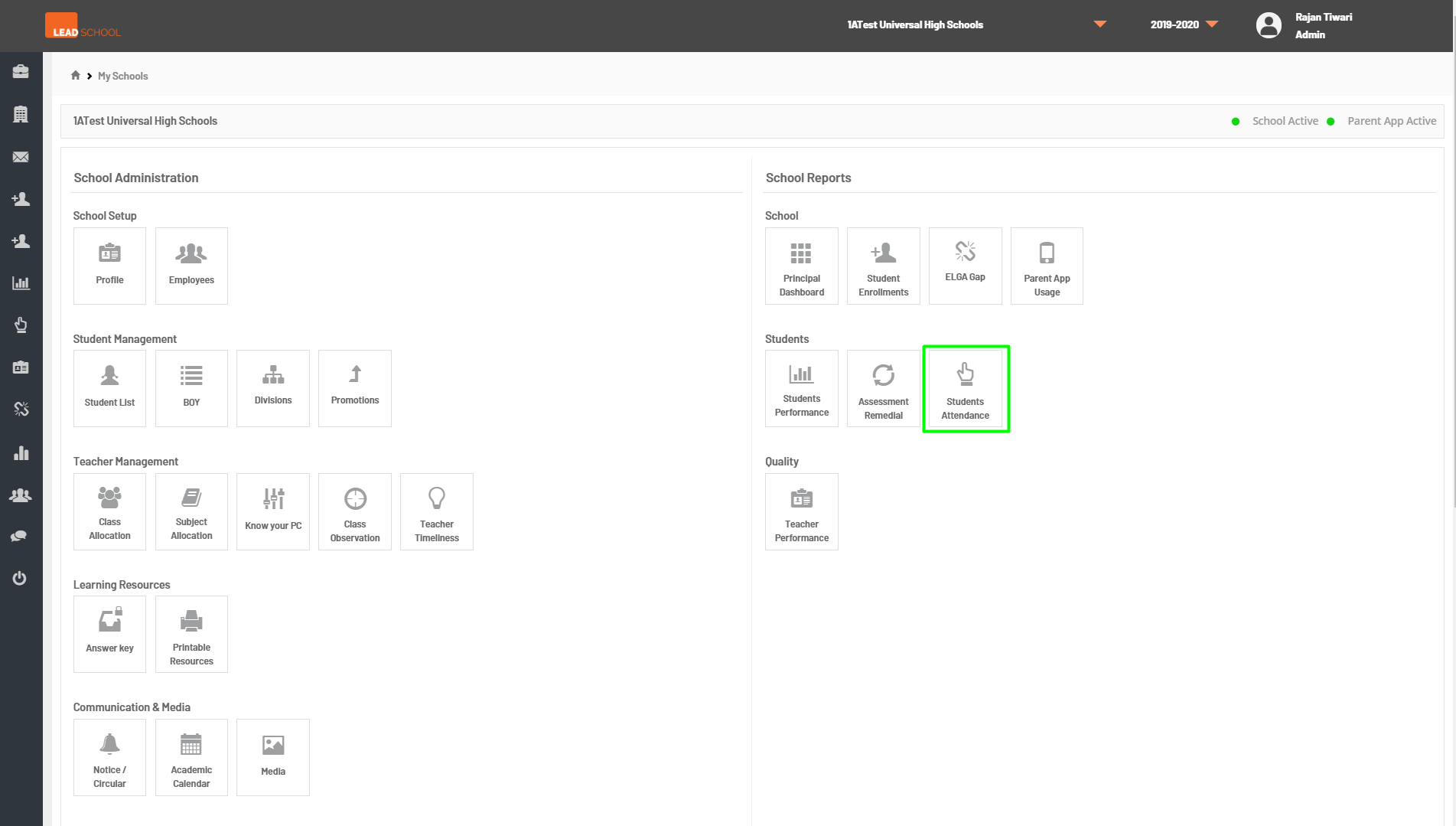
- Navigate to School Reports → Student → Student Attendance. Schools can check the average attendance of the classes and students using this option.
- Step 1: Go to Student Attendance tab
- Step 2: Schools can view attendance reports by selecting the Start Month and End Month in the filtering option. Schools can also get data for one,a few, or all classes using Select option. Schools average attendance is available on the top right corner. To get a detailed student attendance report for a particular class, click on the attendance percentage number next to that particular class (highlighted in blue).
- Step 4: Schools can also see a particular students attendance data in monthly graphical format and they can check the attendance distribution or a month-wise view.