Download Answer Keys
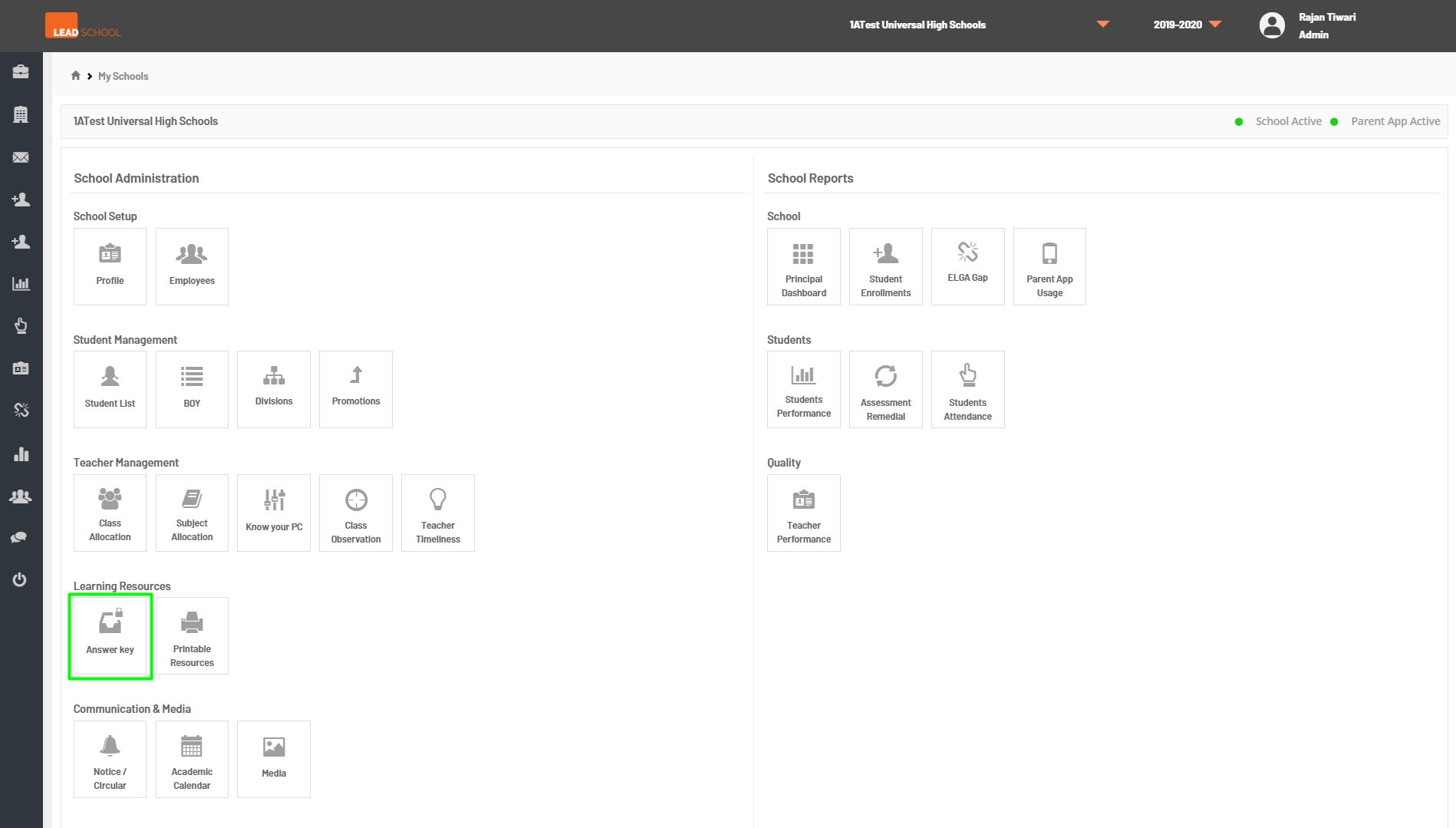
- Schools can download the Answer Keys for the assessment by navigating to School Administration → Classroom → Answer Key.
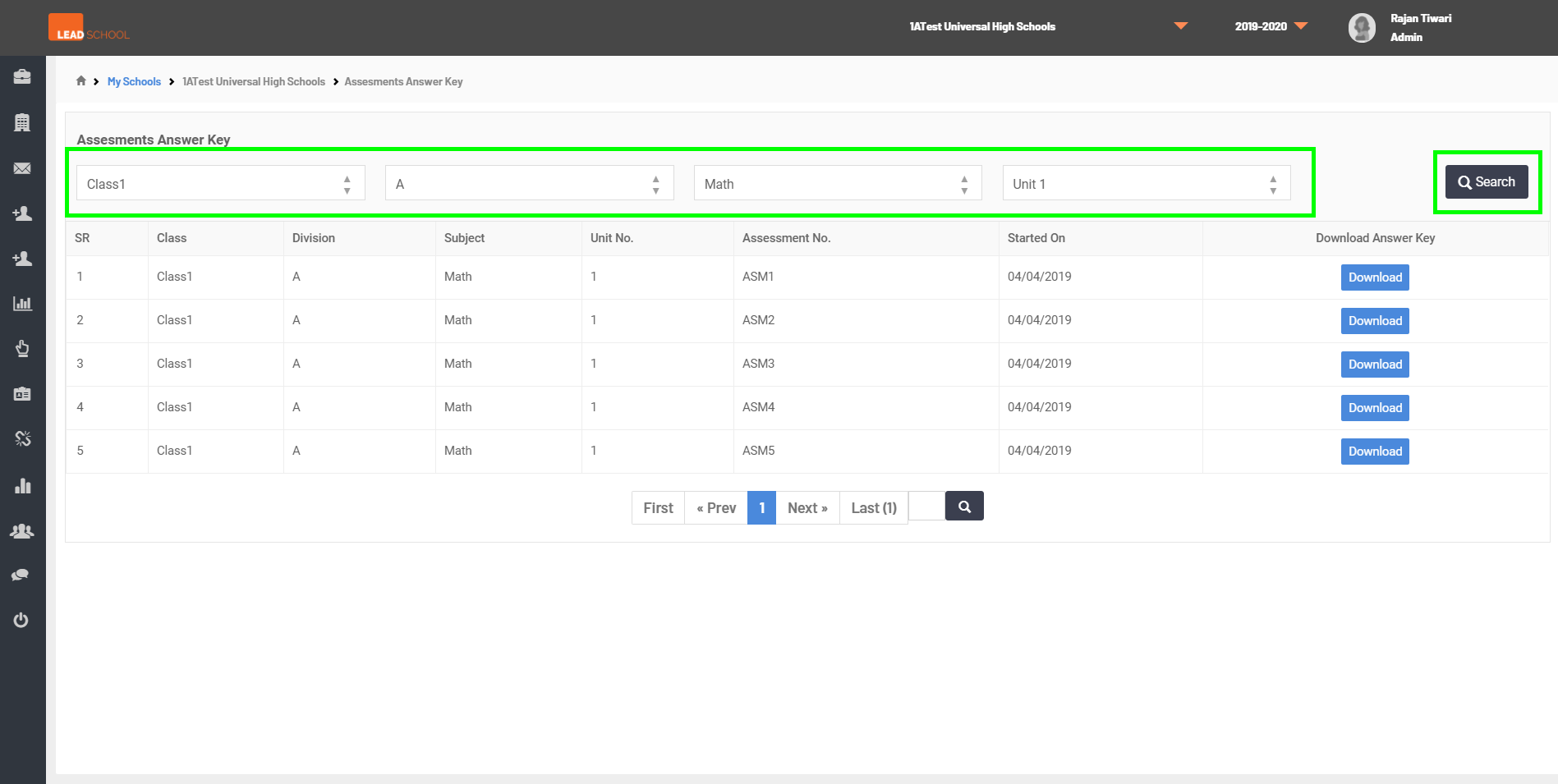
- Select class, division, subject, and unit from the drop-down menu and click on Search to filter the assessments.
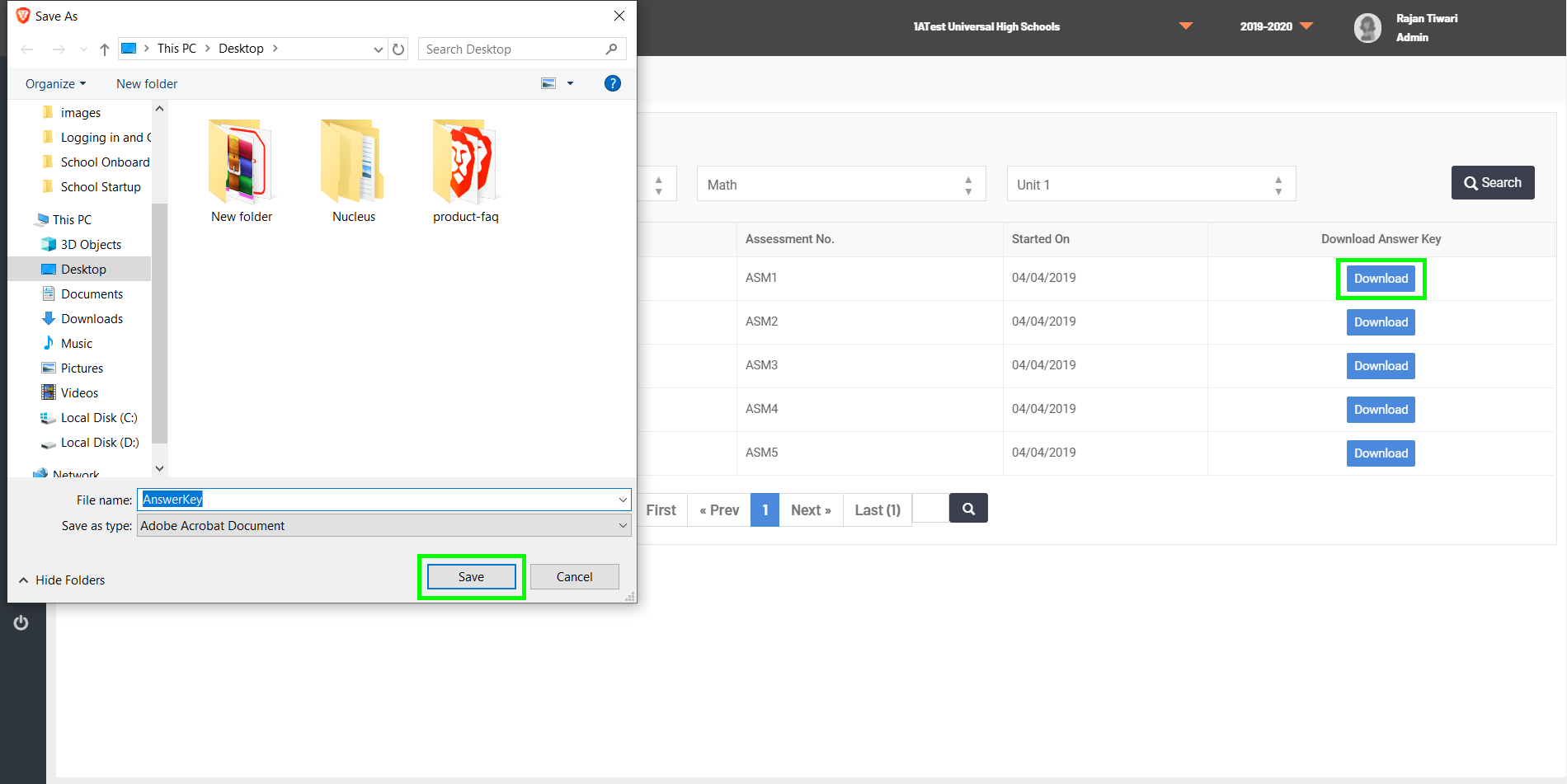
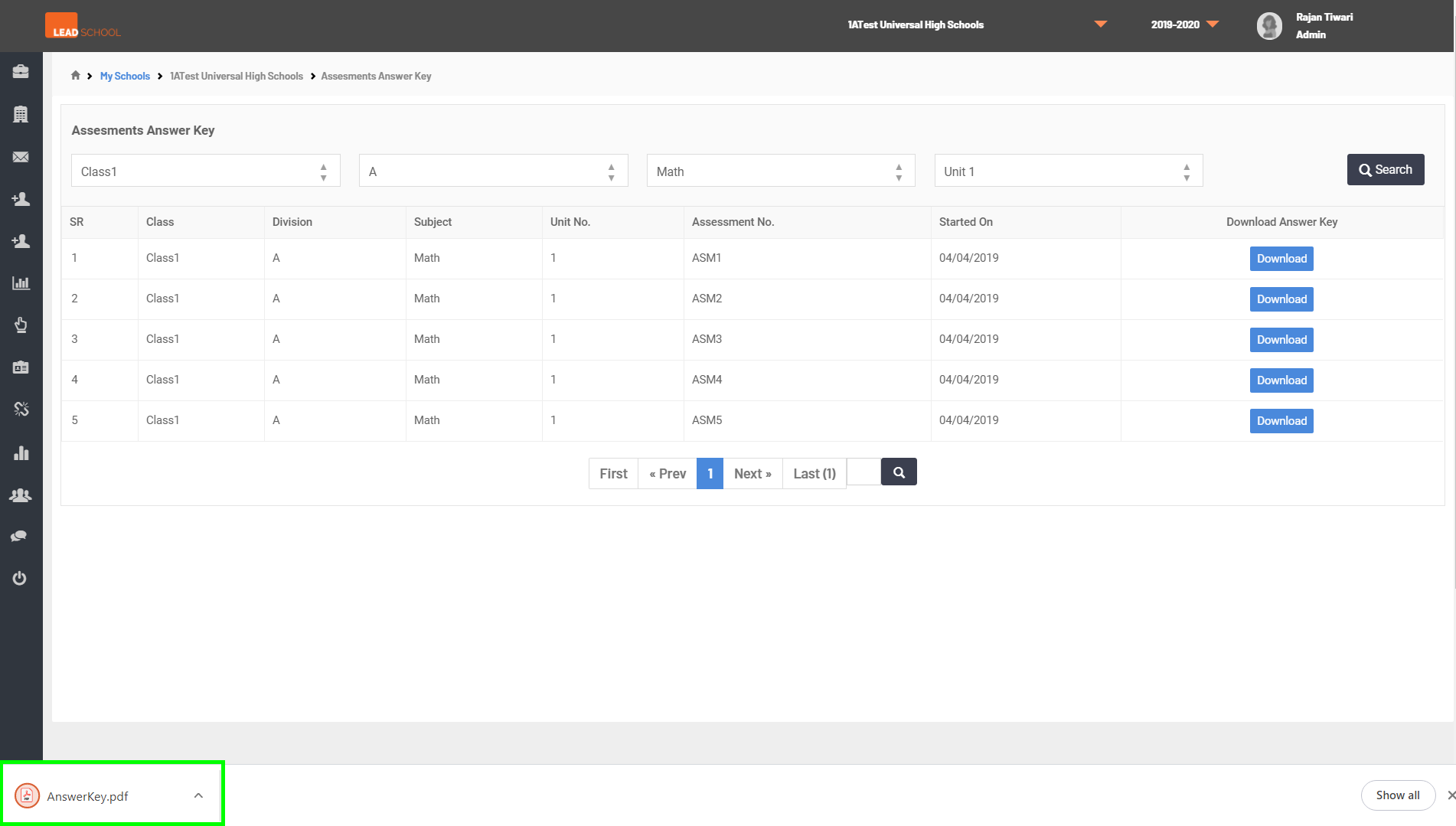
- Click on Download next to the required assessment to download the answer key in a printable format (PDF).
- Note: If there is no answer key available for any assessment (Usually oral assessments), it will be marked as Answer key NA or in Day Plan.
- Step 1: Go to Answer Key tab
- Step 2: Select Class, Division, Subject and Unit from dropdown and click on Search.
- Step 3: Click on Download button for downloading the Answer Keys