-
Working in Training Mode
- Training mode doesn't make any changes on the Nucleus in any of your actions. Training mode is used when teacher training is happening or the teacher is new and wants to know the Teacher App a little better. To deactivate this mode you need to go again in the main menu and uncheck the button.
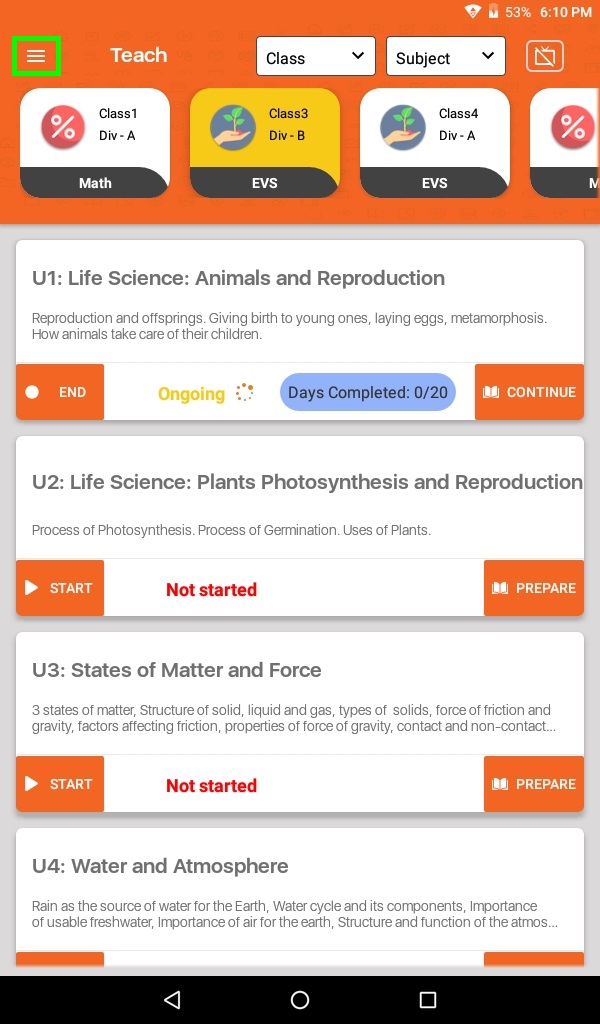
- Click on Menu (≡)
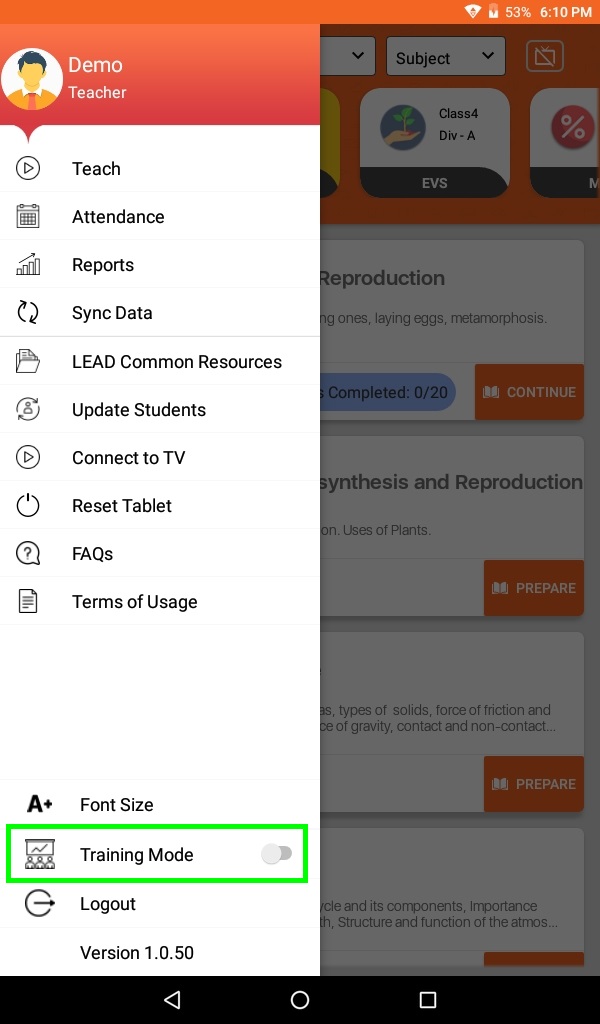
- Enable Training mode by clicking Toggle.
- As you click the button will turn Orange.
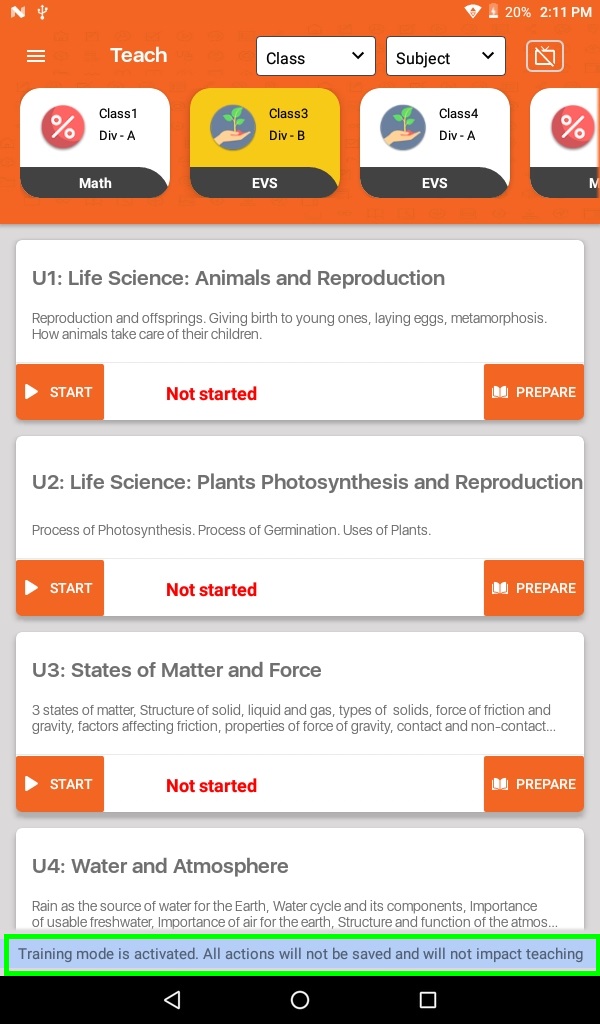
- Training mode is activated. All actions will not be saved and will not impact teaching. This message will alway appear when you are using Training Mode.