Viewing and Analysing Reports
- Reports option on Teacher App is only available for Teachers. Reports contain Attendance and Student Performance Data. To view Student Performance teachers need to assign subjects, and view Attendance report teachers need to be assigned as class teacher.
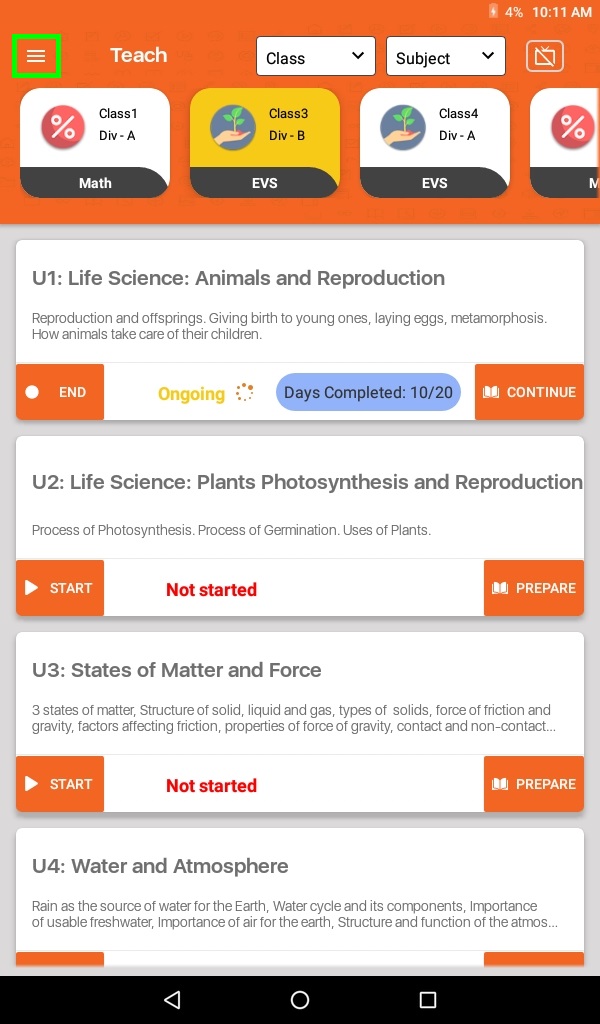
- Click on Menu (≡) to select Reports
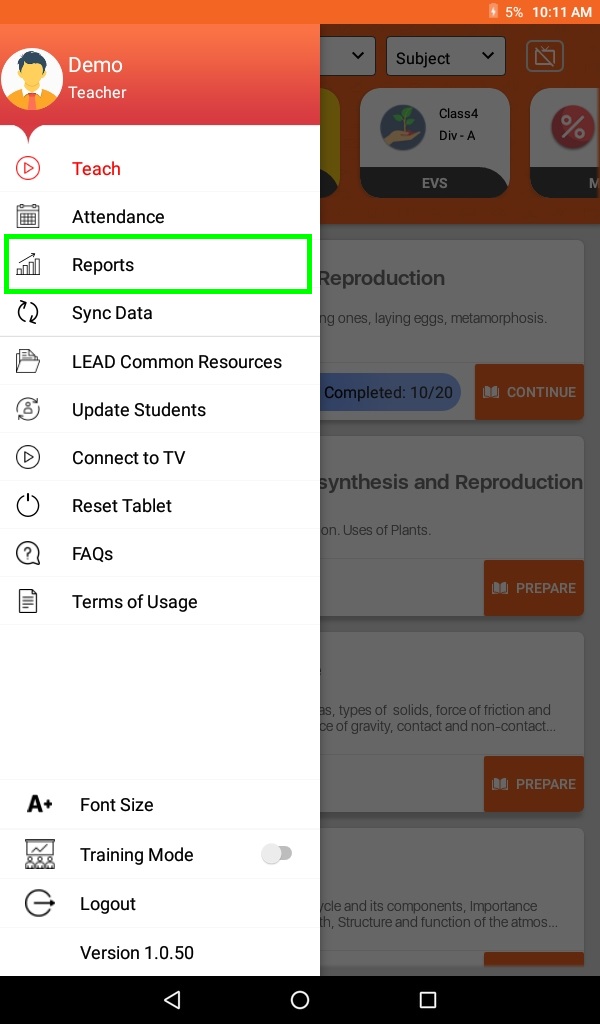
- Click on Reports to see the Attendance and Performance reports.
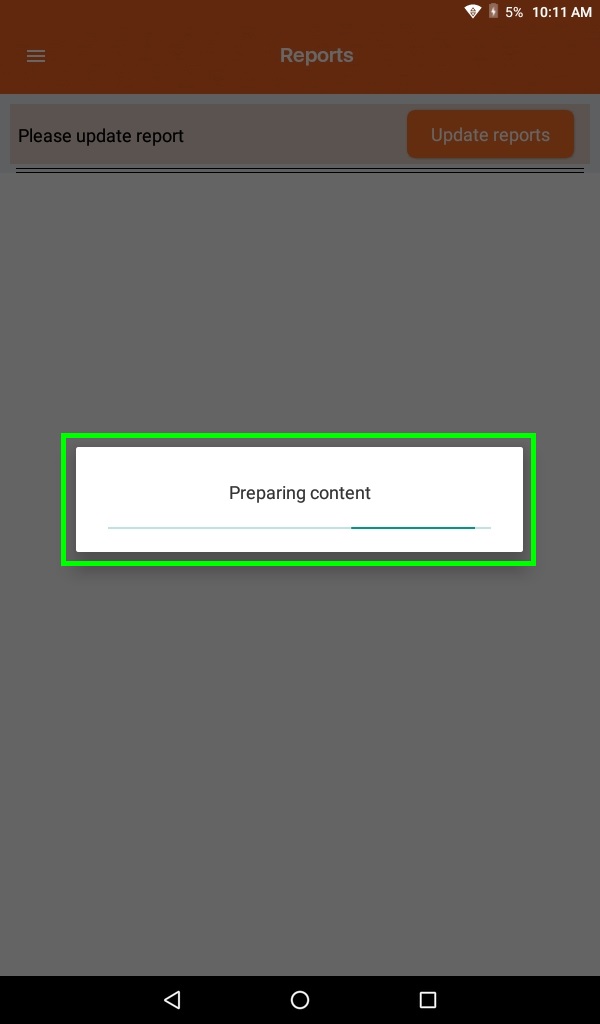
- Click on the Update Reports button to see the latest reports.
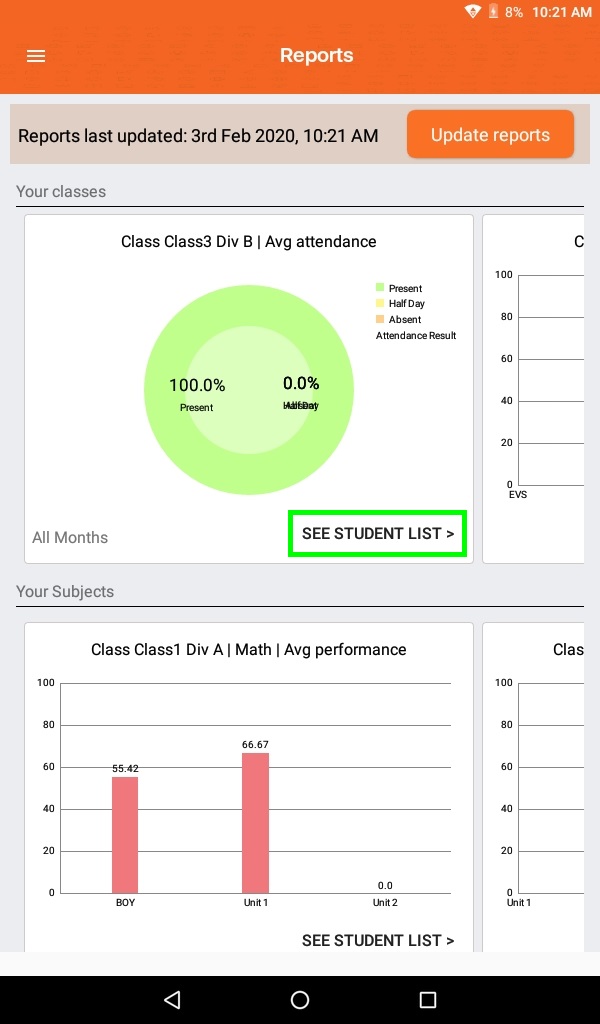
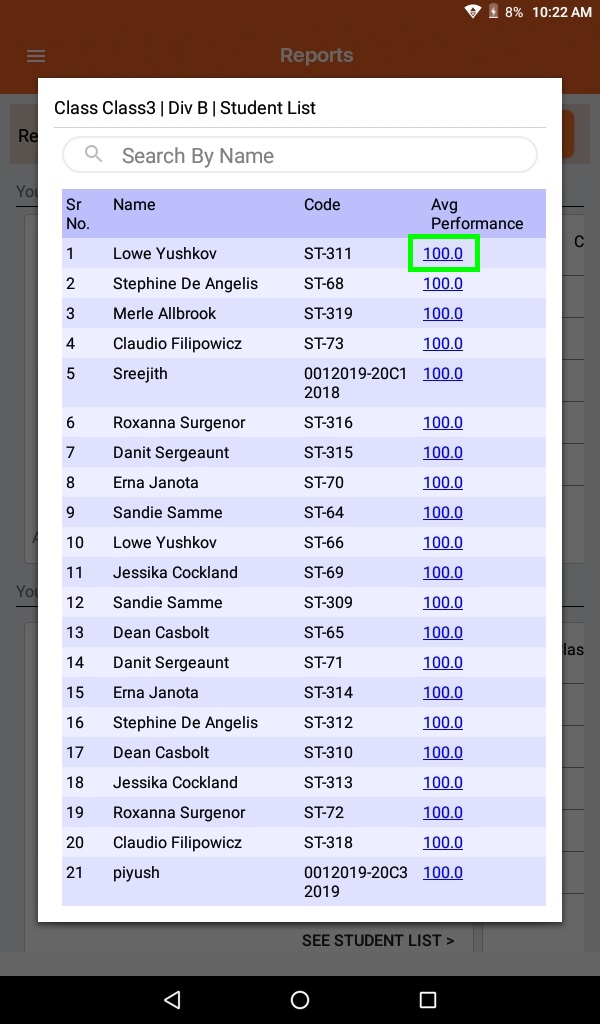
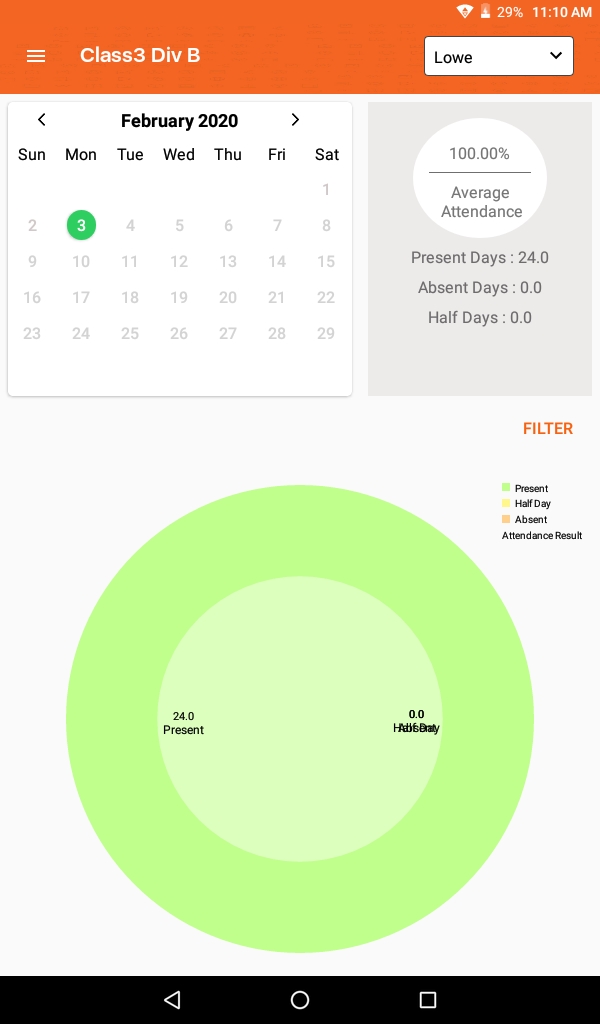
- To see Class Average Attendance, click on SEE STUDENT LIST >
- To see Subject Average Performance, click on SEE STUDENT LIST >