-
Day Plan
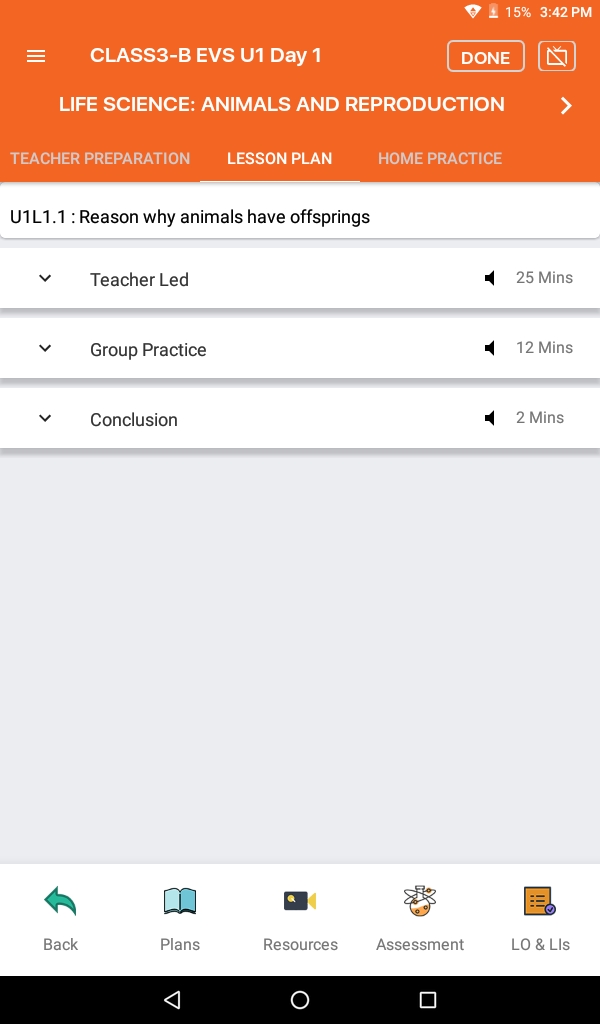
- Once the unit is open, click Plans and select a Day from the list. All pending days will be marked in grey, whereas completed plans will be marked in green color.
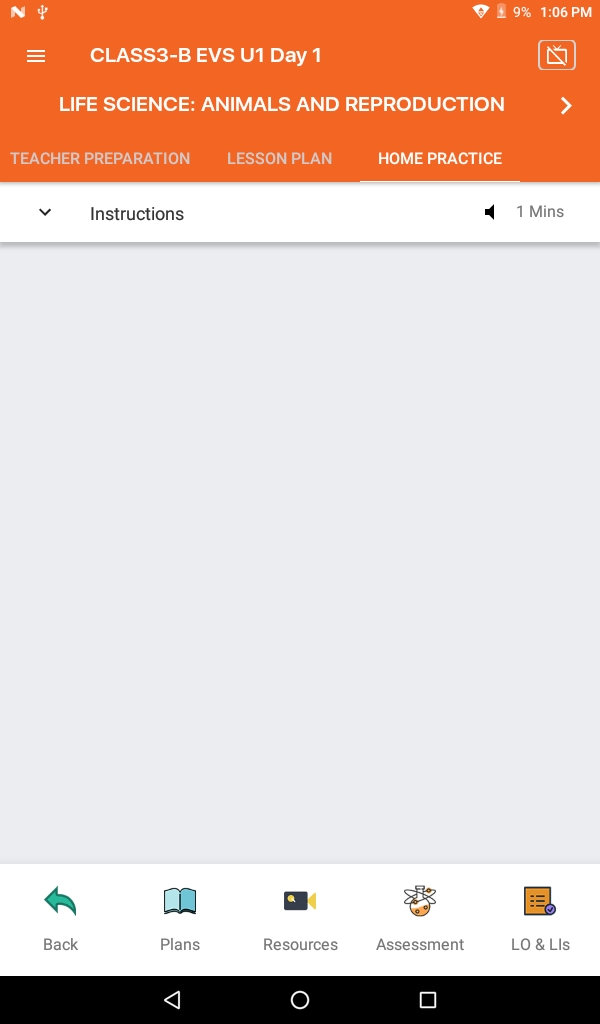
- Navigate through Teacher Preparation, Lesson Plan and Home Practice to complete mentioned Day plan.
- Click Forward and Backend arrow (< >) for navigation. If you want to select the next or previous day or else click Plans and select Day plan from the list.
- Click on the Done button when you are finished with your day plan.