Reset Tablet
- Reset Tablet is the last option we use when you face any issue. We recommend not to use this function frequently. Using this function will erase all data on the local disk(On tab). Make sure every step you have followed and nothing is working to resolve your issue. This should be your last steps.
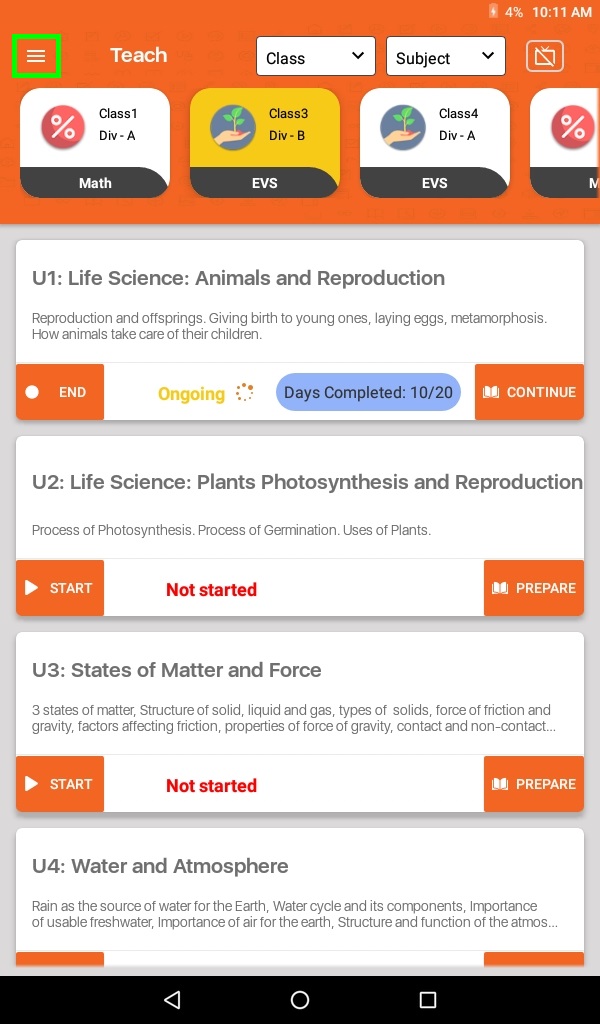
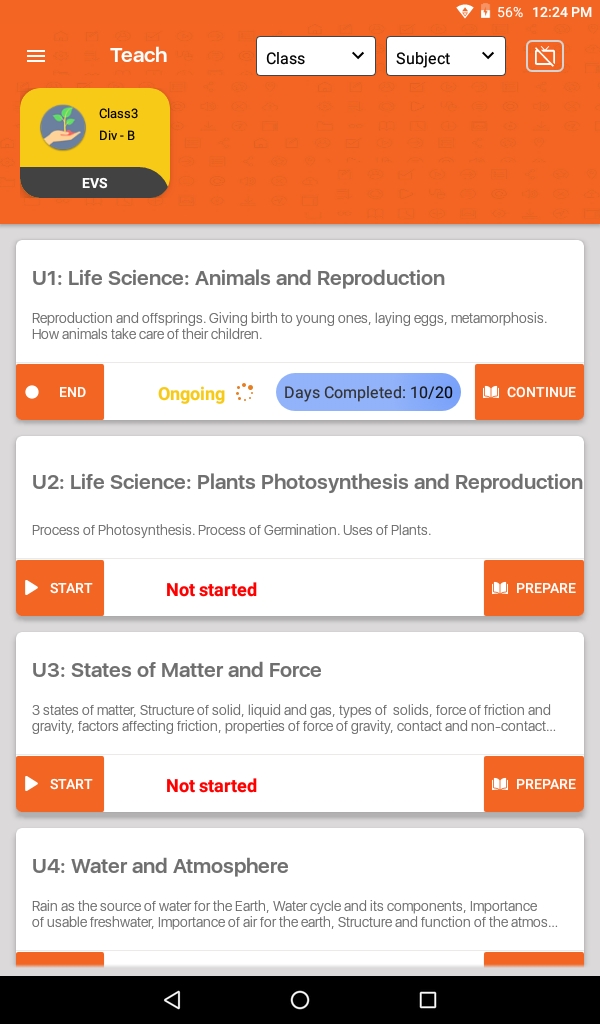
- Click on Menu (≡) to select Reset Tablet
- Click on the Reset Tablet button
- You are now on the confirmation page. Page will give you which subject assigned to you. Click on the Reset Tablet button.
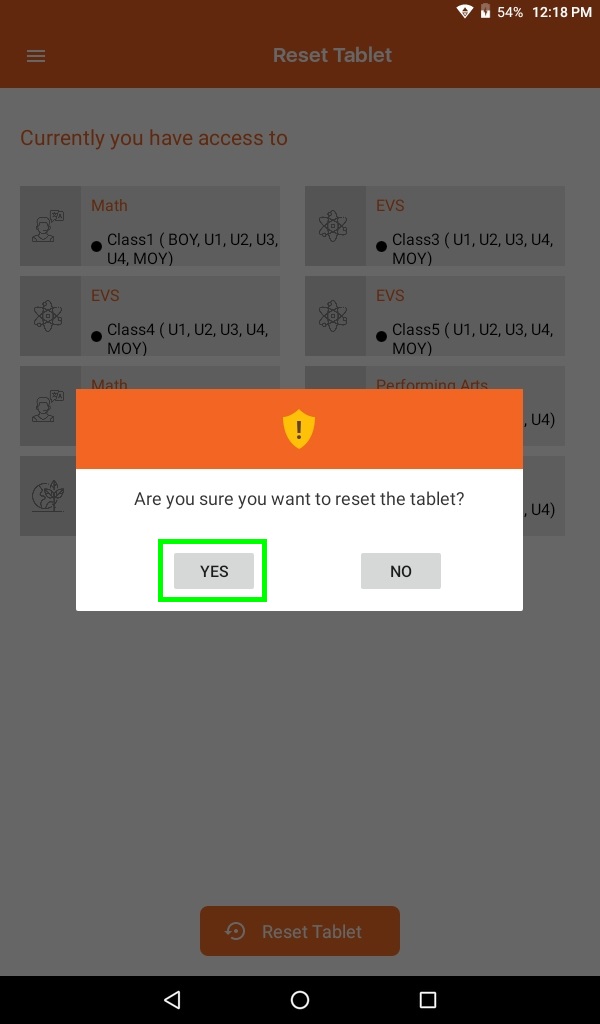
- Click on Yes button