Selecting Class, Divisions and Subjects
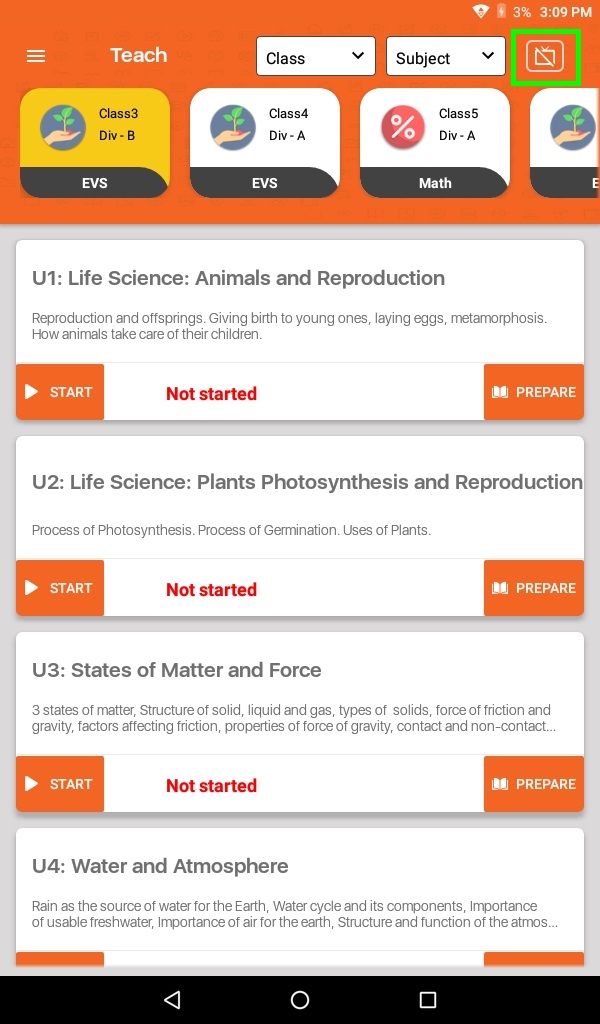
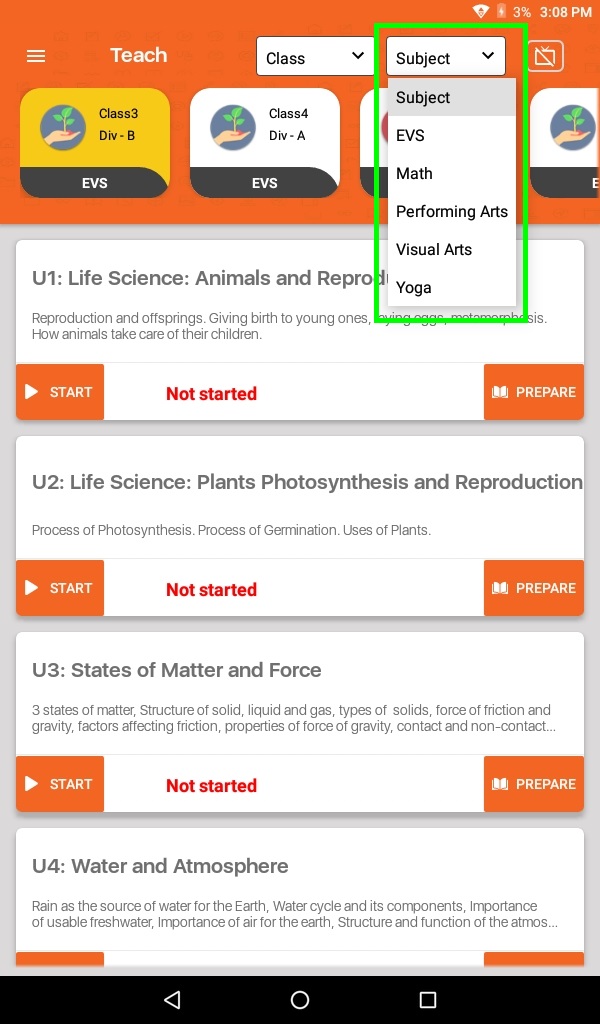
- On the top right corner, we have class and subject selection. If a class has multiple divisions then the user needs to select that specific division from just below the class dropdown. By default, the Teacher App will select any one class for you.
- Click on SmartCast option when you want to connect to TV.
- Select your Class from the class dropdown.
- Select your Subject from the subject dropdown. If the selected subjects have multiple divisions then the selection will be available here.