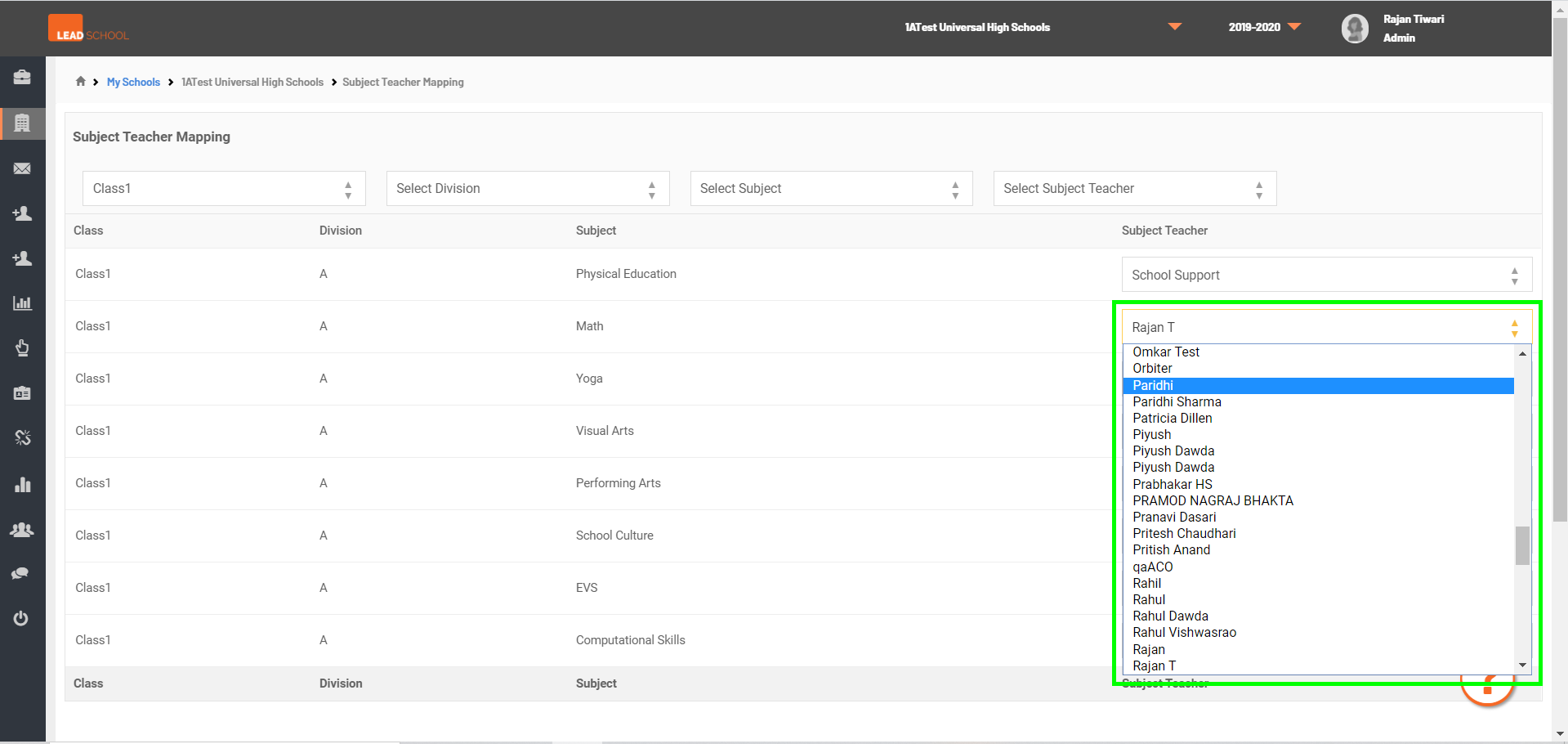
Subject Teacher Allocation
- Navigate to School Administration → Classroom → Subject Allocation to assign teachers to a particular subject. School can also change the subject teacher if required.
- Step 1: Go to Subject Allocation tab
- Step 2: Select Class from Class dropdown
- Step 3: Now, select the Teacher from Select Class Teacher dropdown for assigning the subject to teacher.
- Step 4: Once the Teacher is assigned, User will get Subject teacher assigned successfully! message.
- Step 5: For changing the Teacher, click on Teacher name and select new Teacher from dropdown list.
- Step 6: Once the new Teacher is selected, User will get Subject teacher assigned successfully! message.