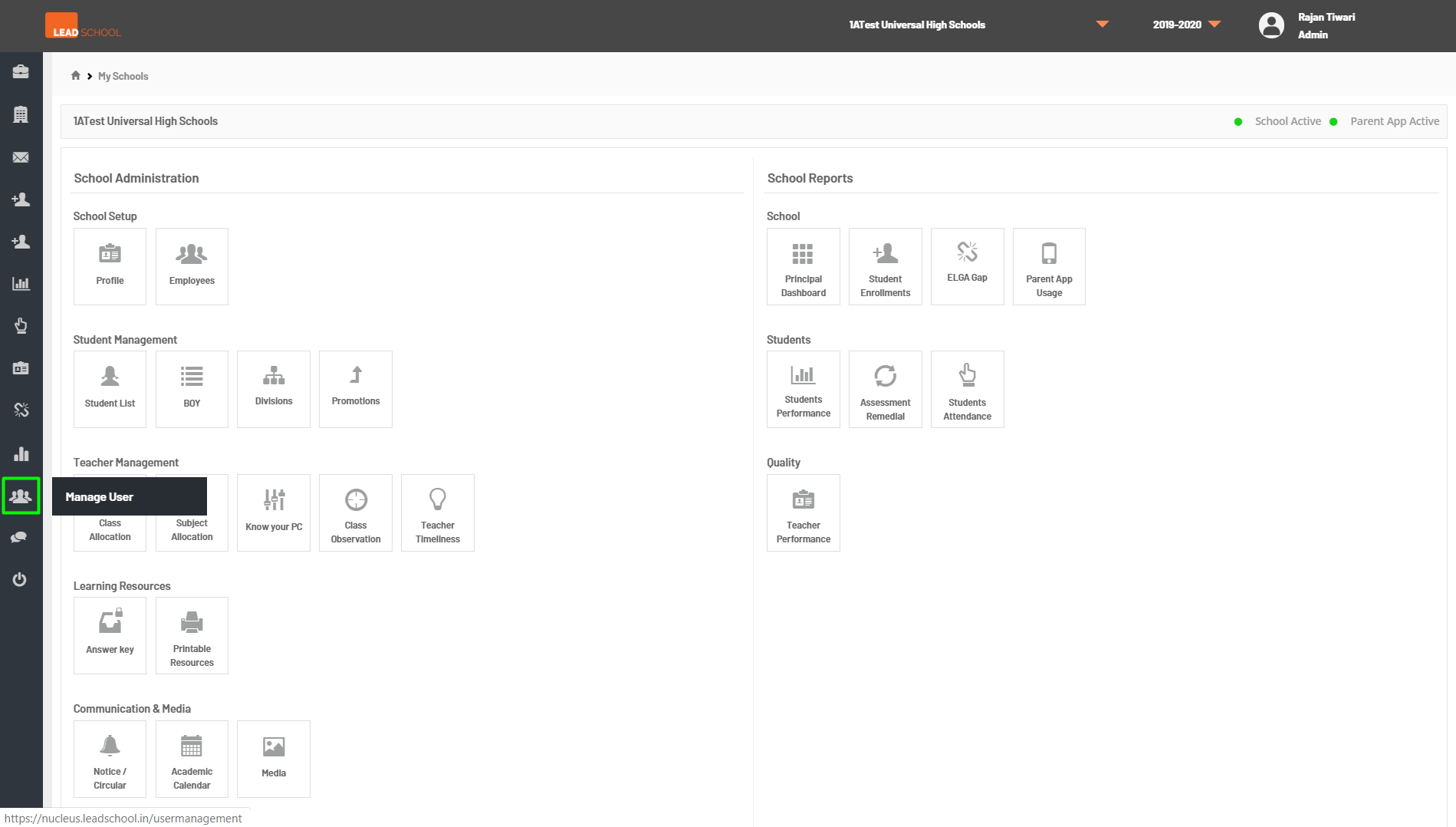
Manage Users
- Navigate to left side menu → Manage Users. This option is available only for the admins. They can view and edit all the users for all schools using this. Admins can also add new users and assign them to one or more schools.
- To search the user, an admin can enter the name, mobile number, or email address of the user and click on Search. They can also filter user by their role (e.g. AEM, Teacher, Principal).
- To create a new user, click on Add and then enter the user details. Admin can then map the newly created user to a specific school and also assign them the desired role.