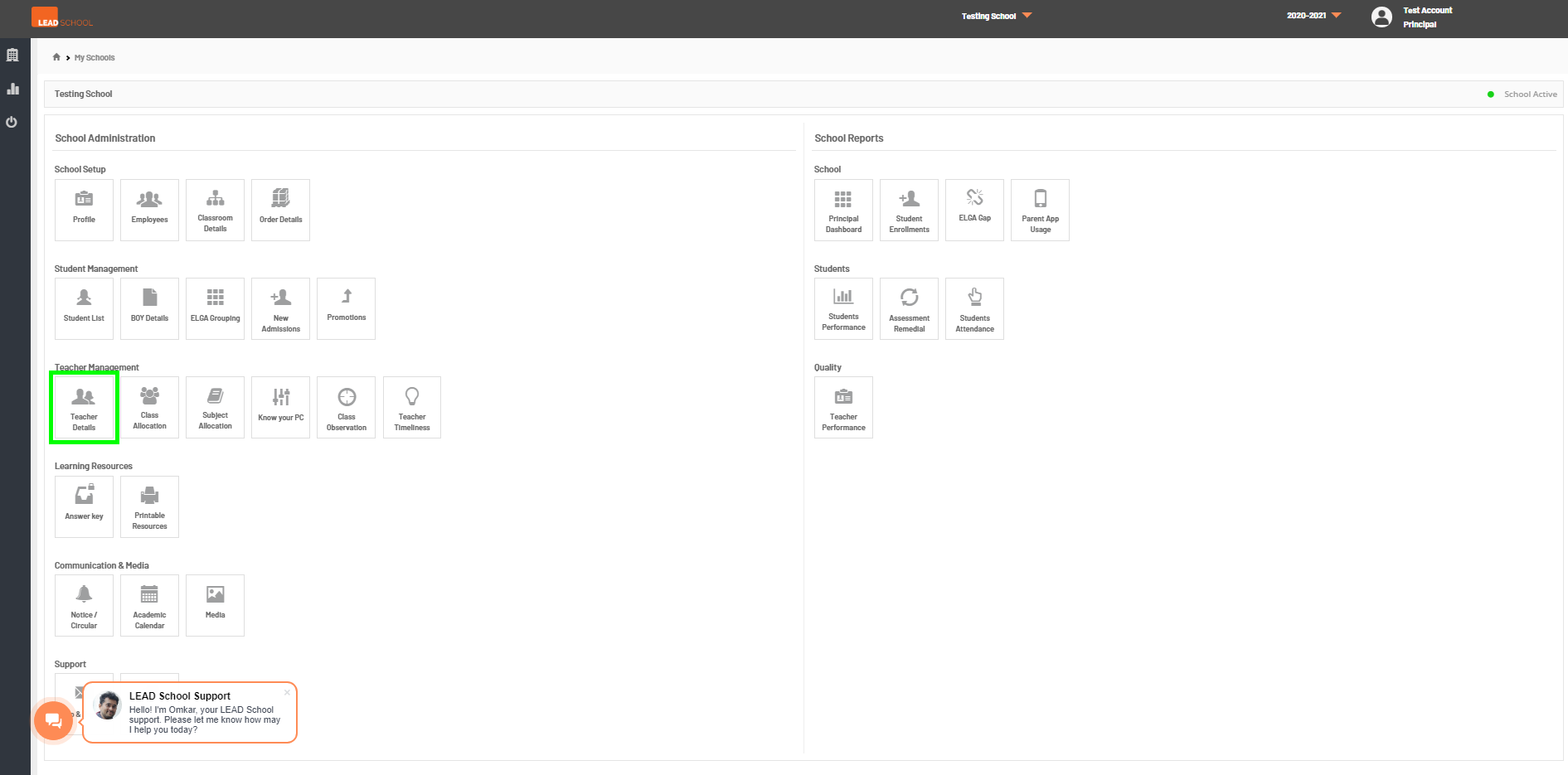
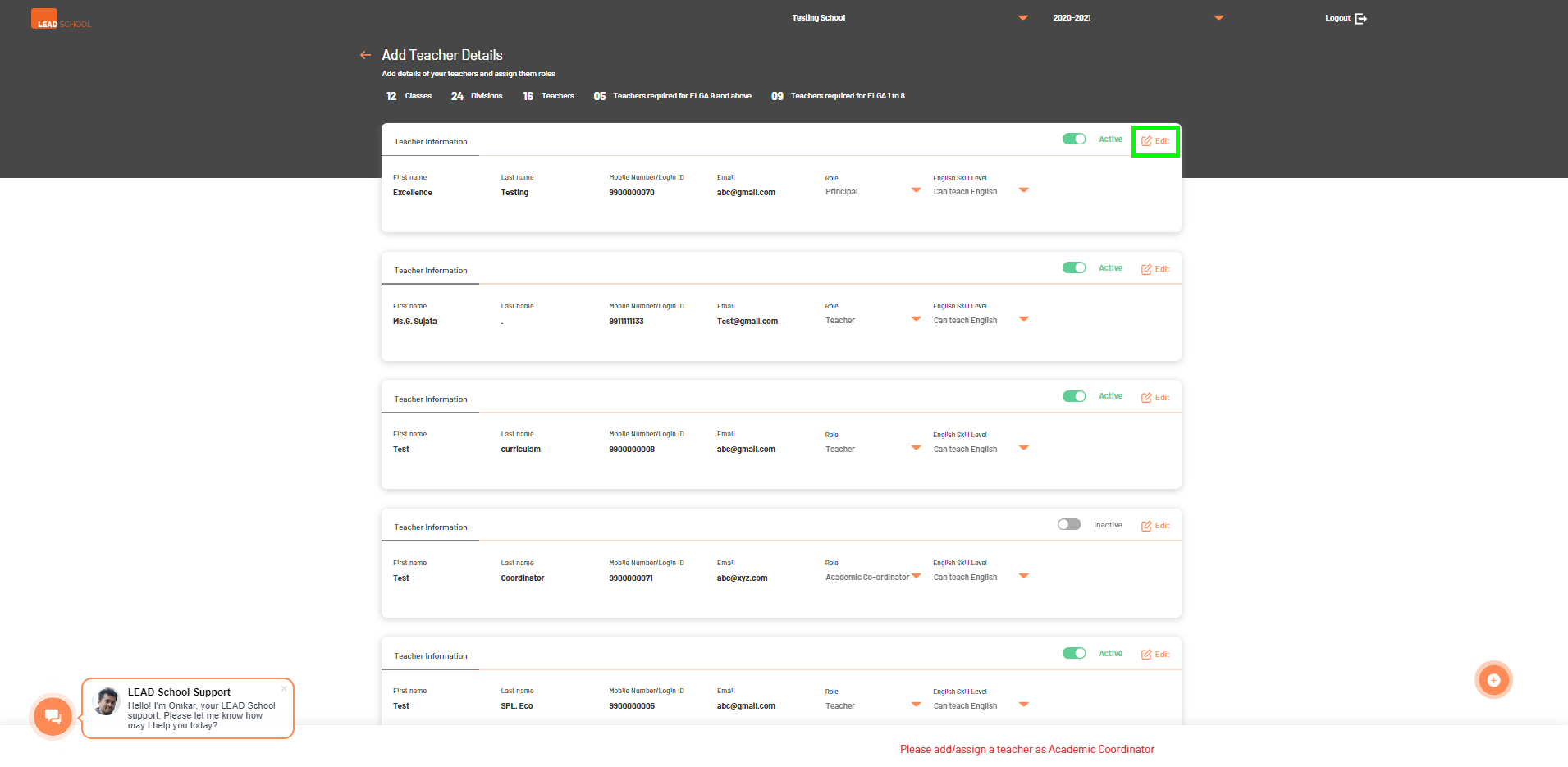
Schools can add new users or edit already existing users (Principal, Academic Coordinator, Teacher) using this option.
To Add a new user click on '+'. To add a teacher, the required details (First name, Last name, Phone number, Email address, Role & English skill level) should be entered and then saved by clicking on Save. Once done, the
school can proceed further by selecting the Continue button.
To edit an existing user, click the Edit option on the required user’s card. Once all changes are made, click Save to save the changes.
School can also change the status of the user by using Active-Inactive toggle.